Tiny Threads Exchange
Project Overview
The Product
Product Duration
Design an app and a responsive website for parents to purchase and resell children's clothing. The target audience of Tiny Threads Exchange is parents in need of affordable clothing with children ages 0-14.
I began to work on this project in April of 2024 and have completed it over the course of a month. I dedicated approximately 20 hours a week to completing Tiny Threads Exchange.
Project Vision
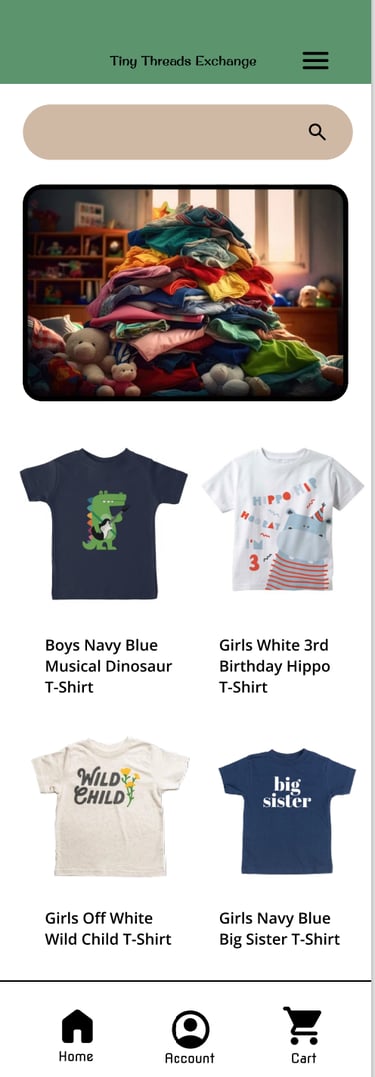
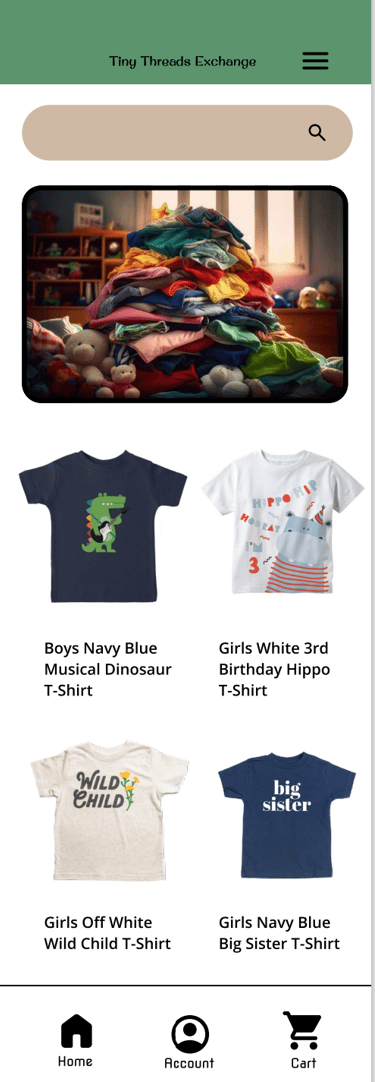
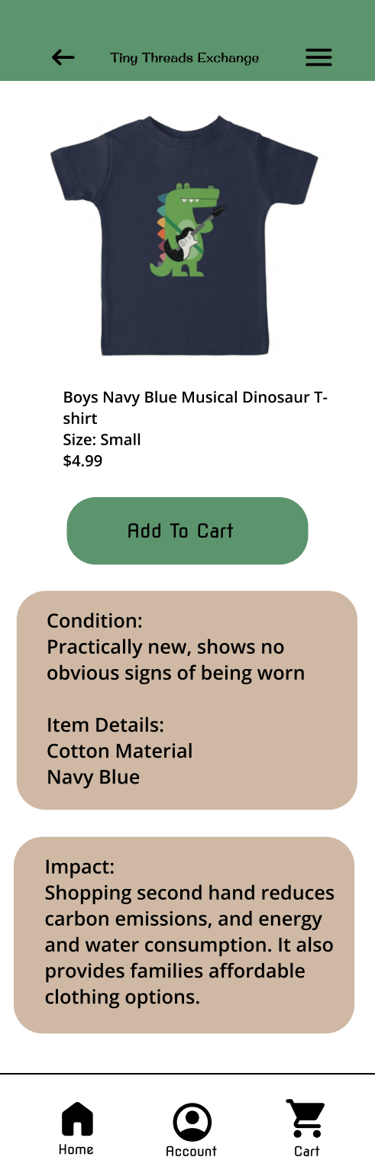
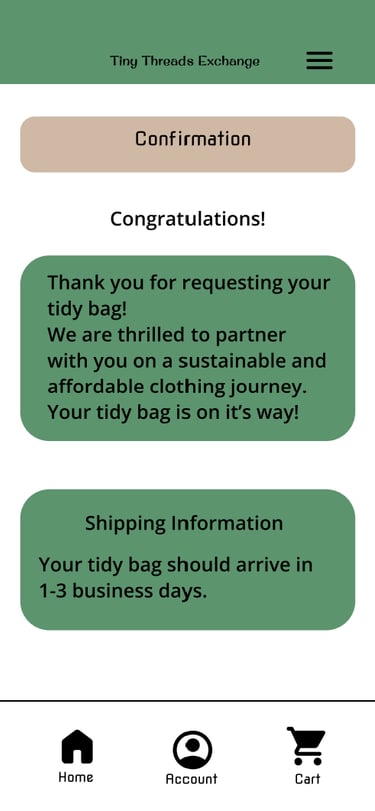
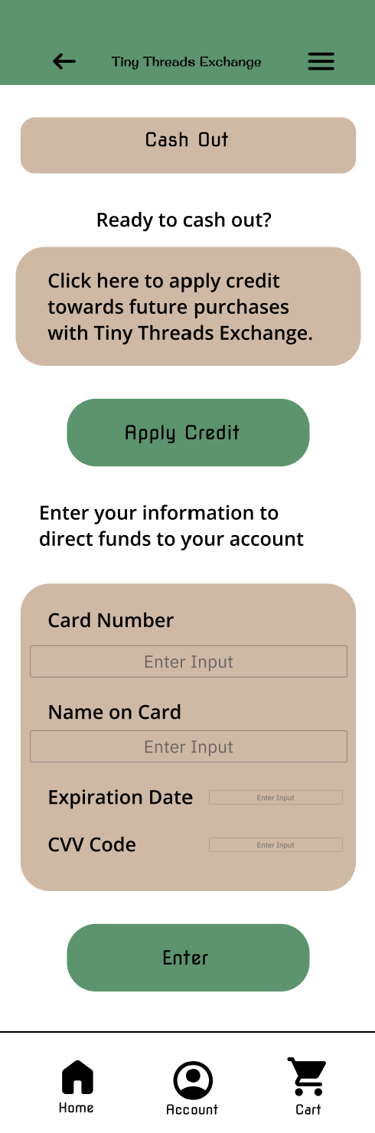
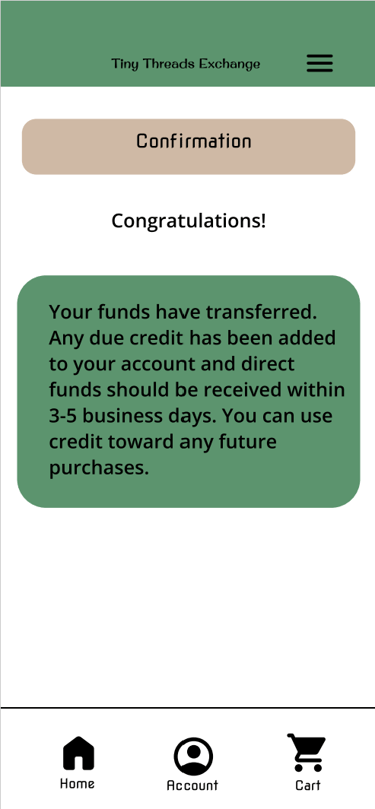
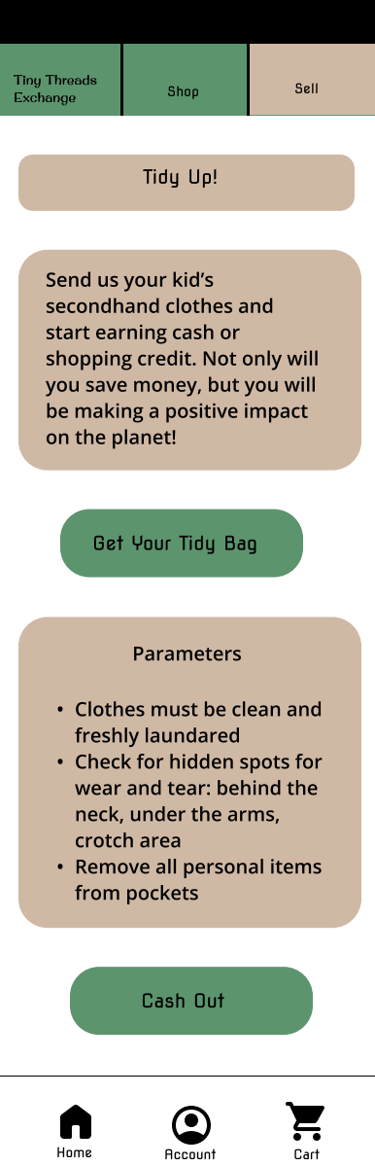
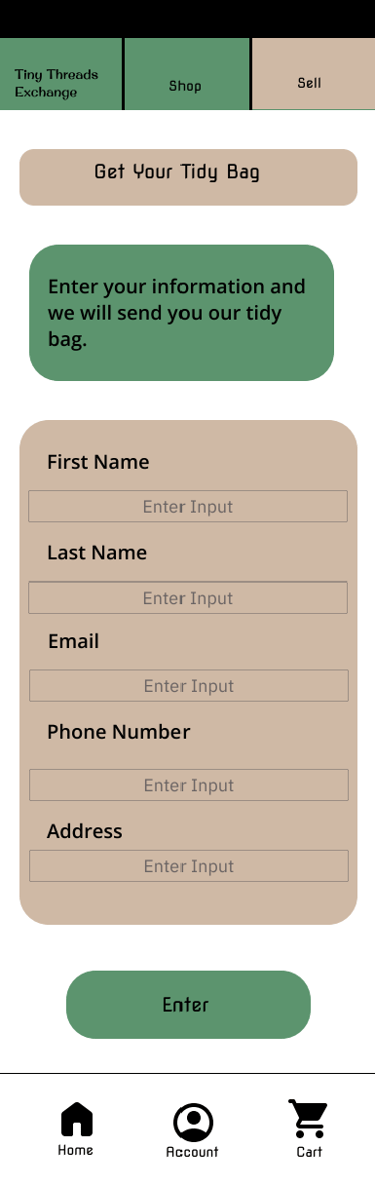
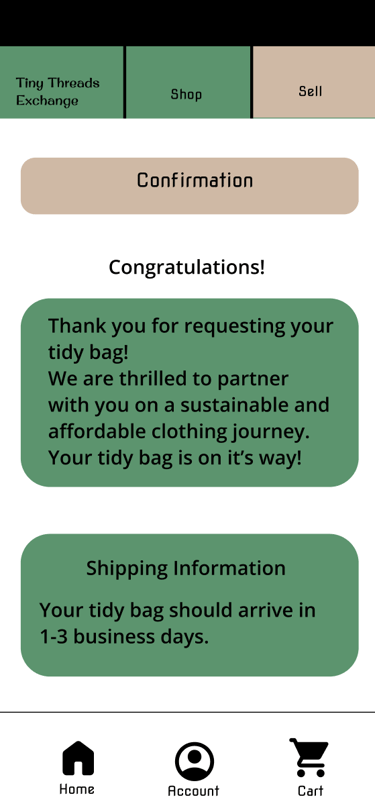
Tiny Threads Exchange is an app and a responsive website that allows any user to purchase and resell children's clothing. For this project, I created a concise website in both desktop and mobile form and a dedicated mobile app which streamlines transaction processes with an emphasis on social good.
User Research:
To inform the design of Tiny Threads Exchange, I conducted targeted user research with parents of children ages 0–14 before moving into wireframing.
Initial Assumptions I initially assumed that most parents would find browsing listings, locating seller details, and completing transactions straightforward on a dedicated resale platform, provided they were aware of it.
Key Insights Through user interviews and surveys, I discovered significant variability in digital literacy across demographics. Many participants faced barriers in navigating resale interfaces, uploading quality photos, understanding sizing/condition filters, and trusting transaction processes—issues that disproportionately affected less tech-savvy users and hindered both buying and selling experiences.
These findings directly shaped the design direction, leading to simplified flows, enhanced guidance (e.g., auto-suggestions, tooltips), clearer trust signals, and mobile-optimized interactions to ensure accessibility and confidence for a broad parent audience.
Persona: Lauren
Problem statement:
Lauren is a mother of 3 who works as a registered nurse. With limited time, she needs purchasing and selling her children's clothes to be simple.
Overview:
Education: Bachelor's Degree
Hometown: Tampa, Florida
Family: Husband, 7 year-old son, 5 year-old son, 2 year-old daughter
Occupation: Registered Nurse
Quote:
“I just don’t have a lot of time between work and the kids' extracurricular activities, I just need things to be easy and time efficient."
Goals:
Wants to quickly and easily purchase and sell clothing for her three children.
Frustrations:
Has limited time to do activities outside of the daily routine, is tired after a long day at work and looking after children outside of daycare hours.
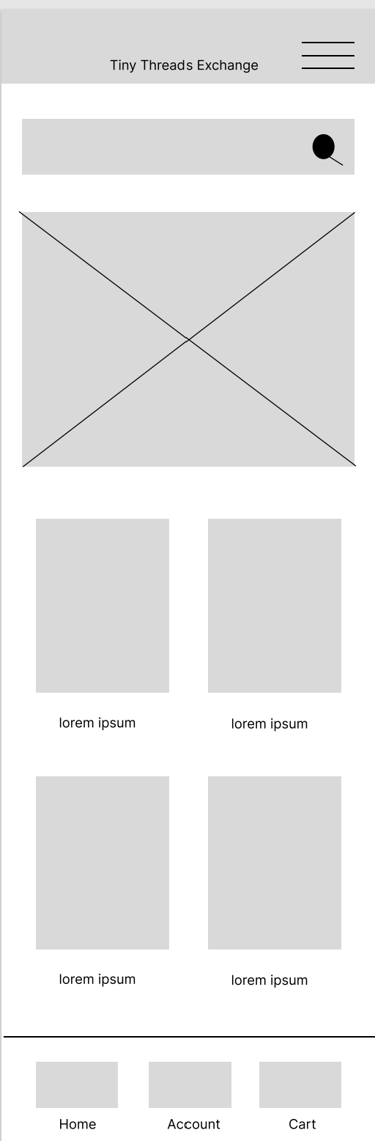
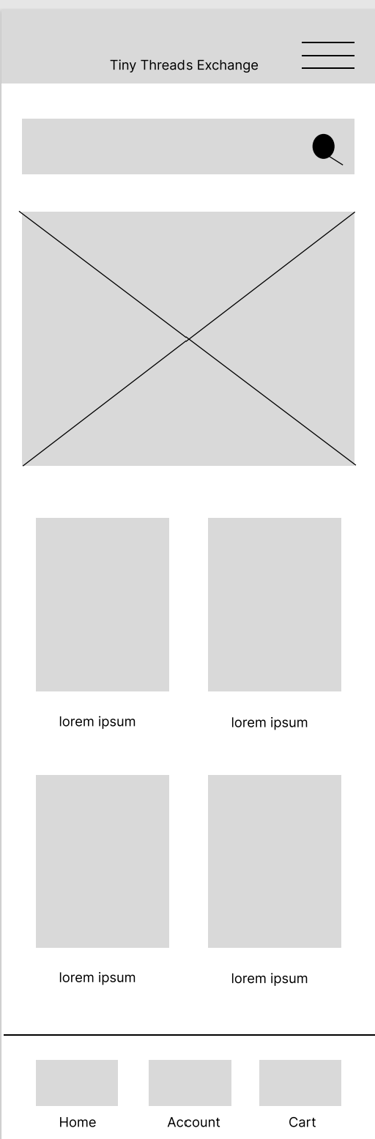
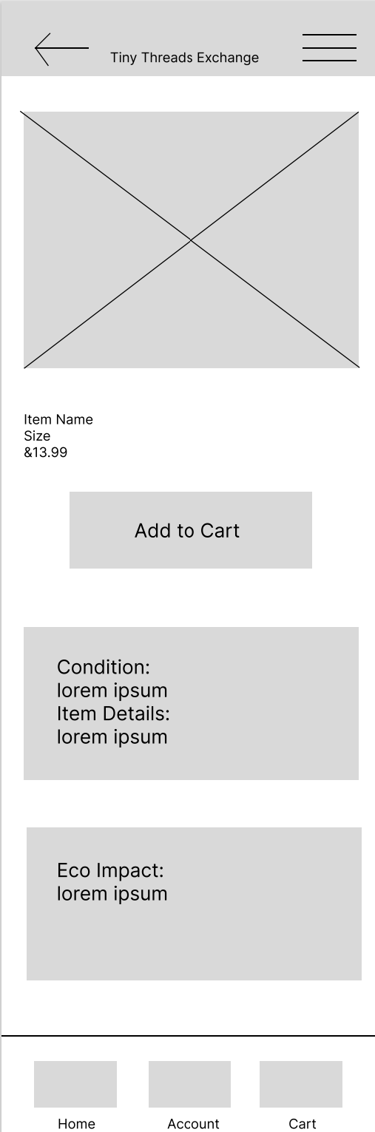
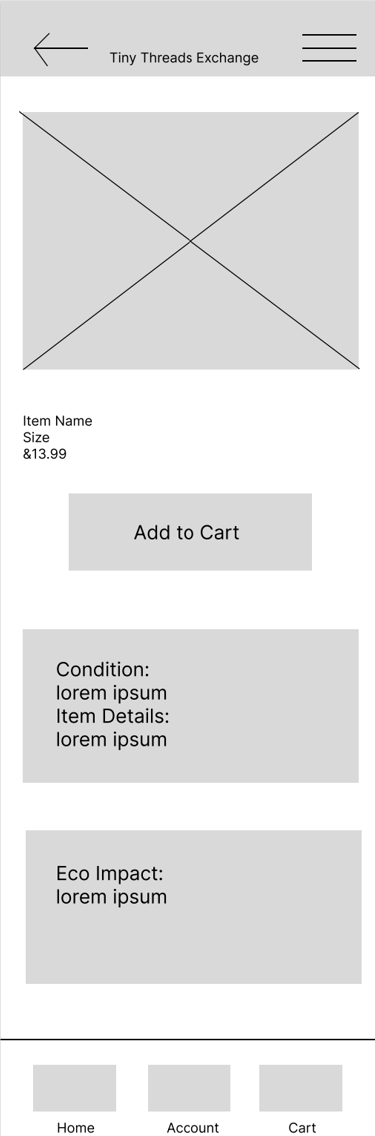
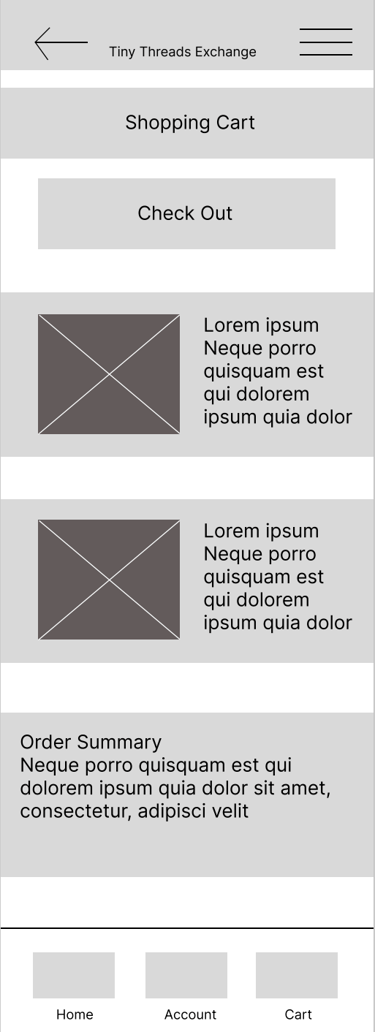
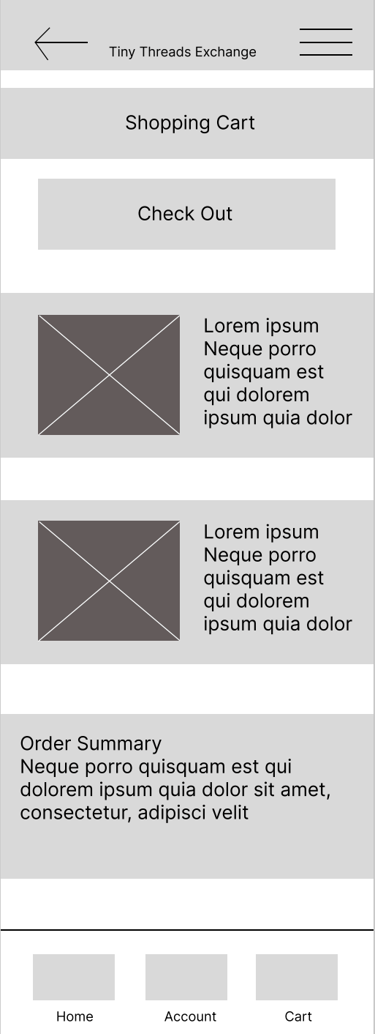
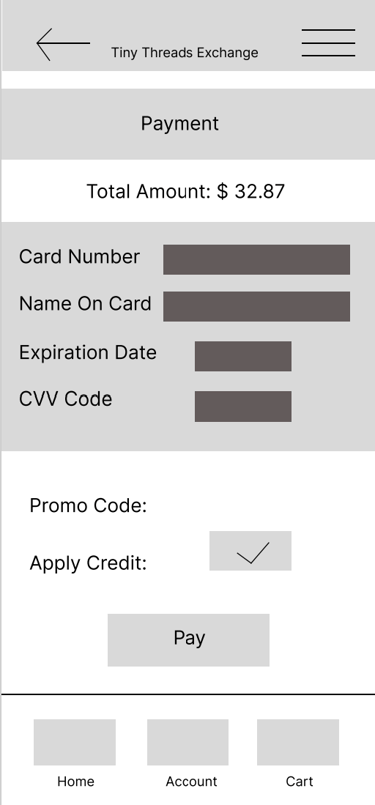
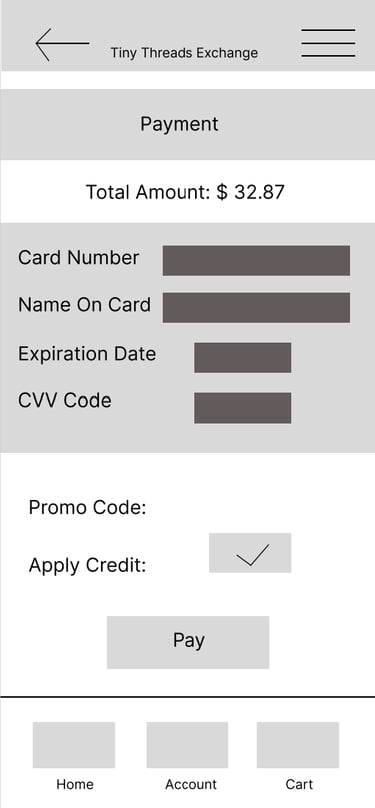
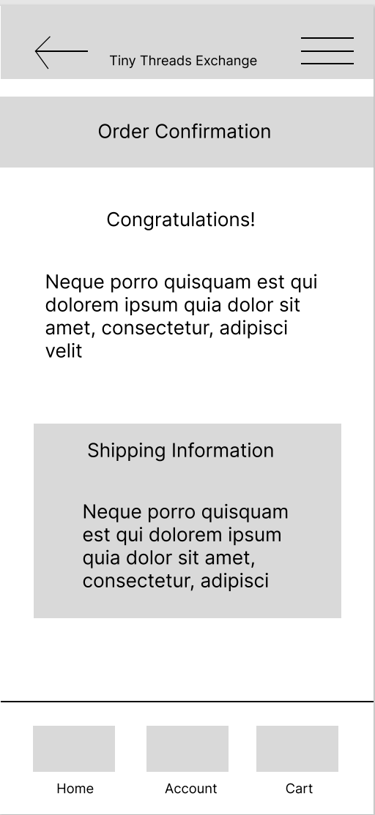
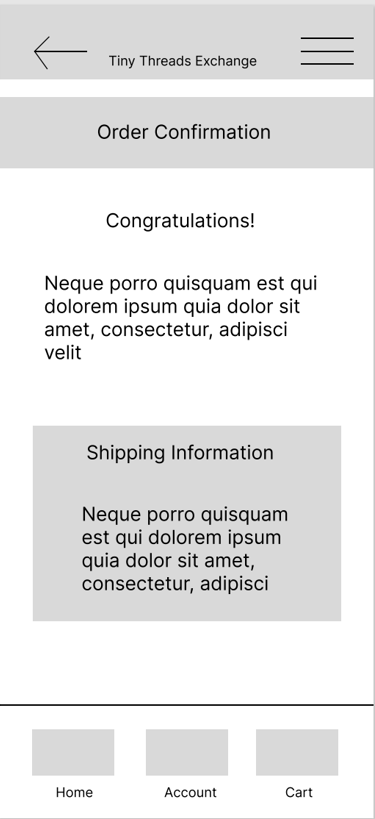
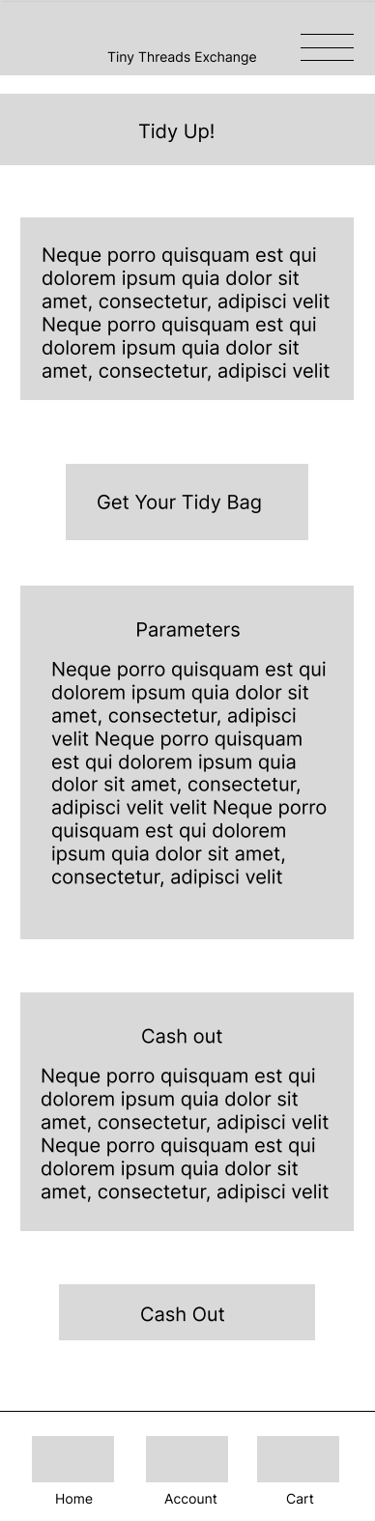
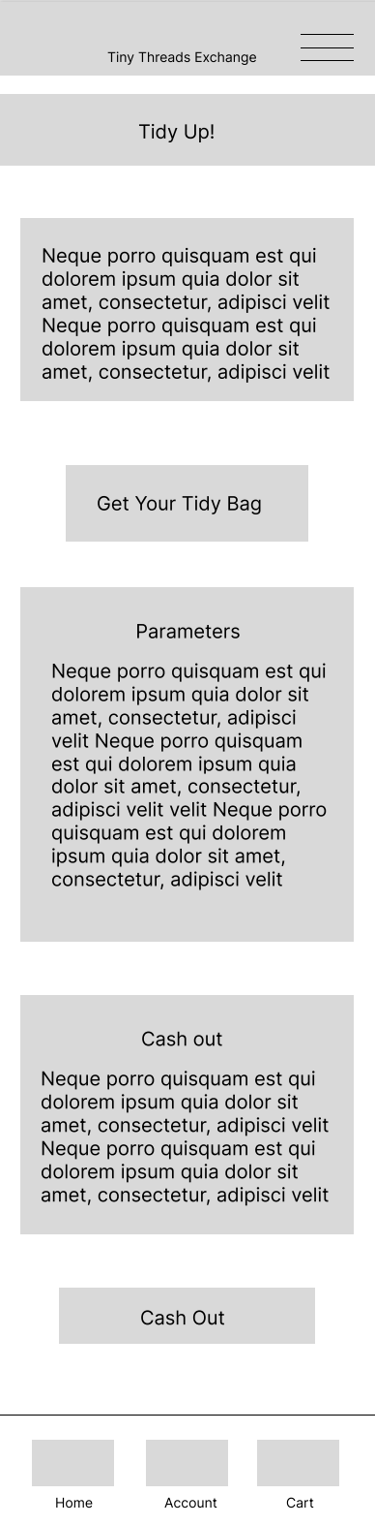
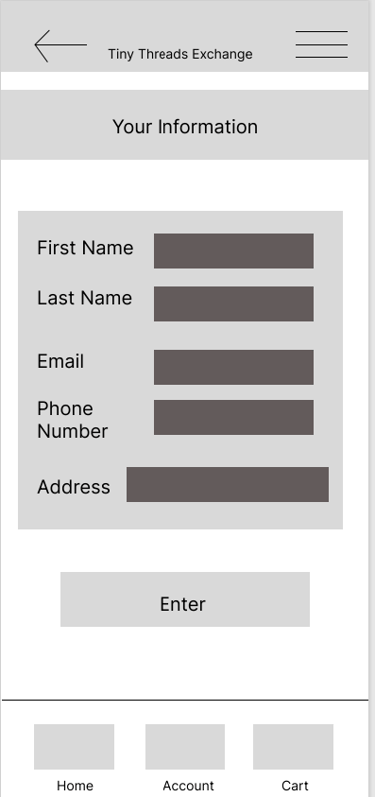
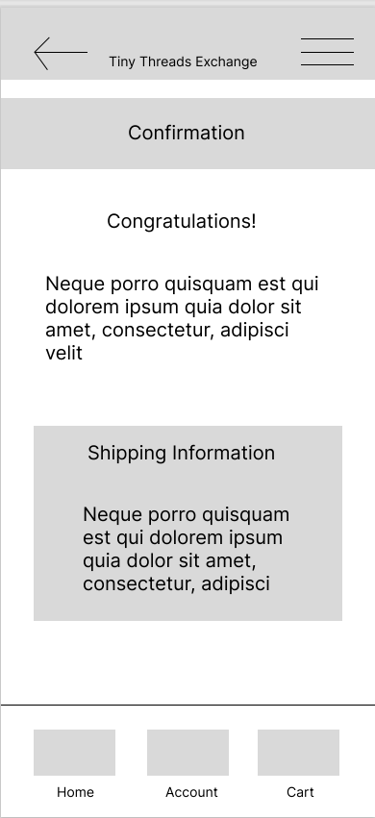
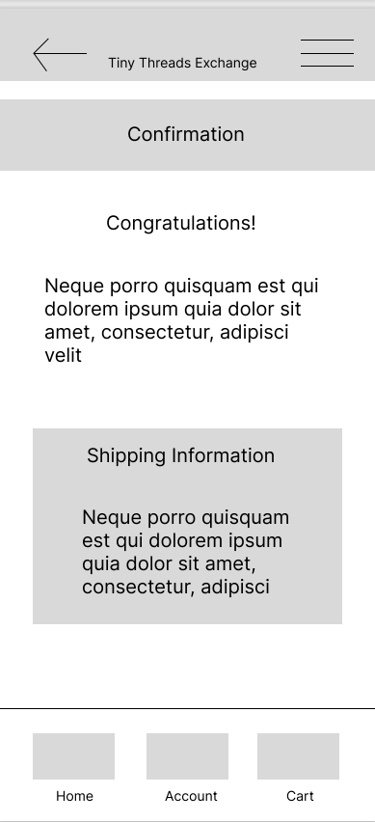
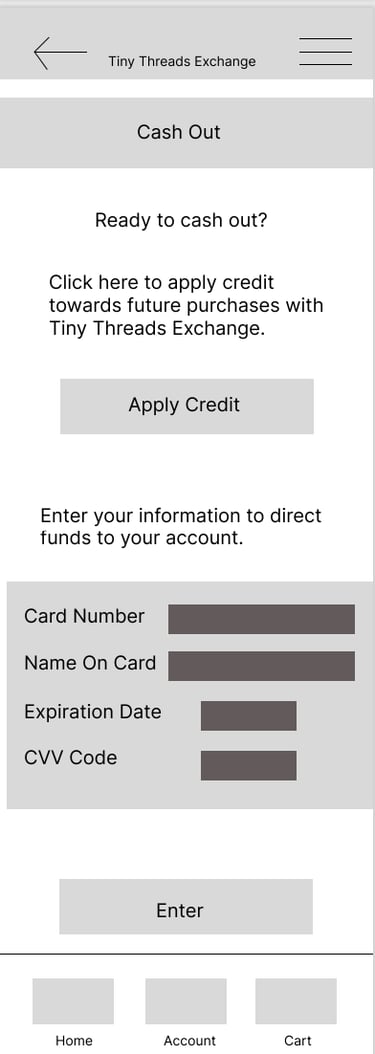
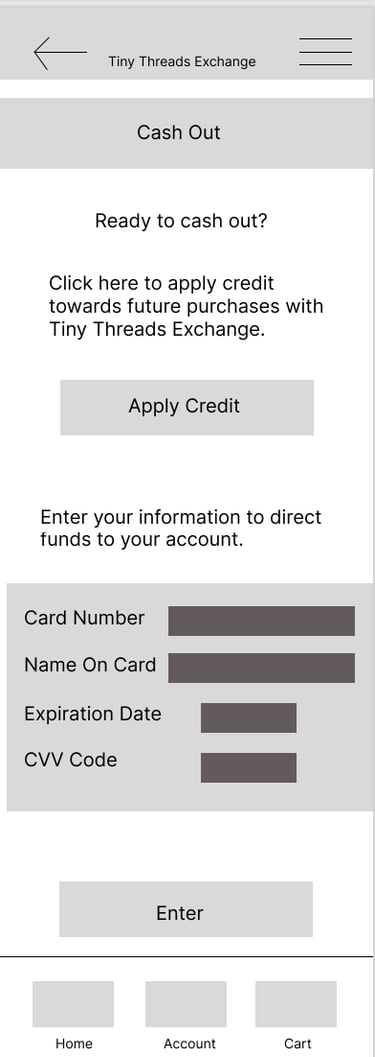
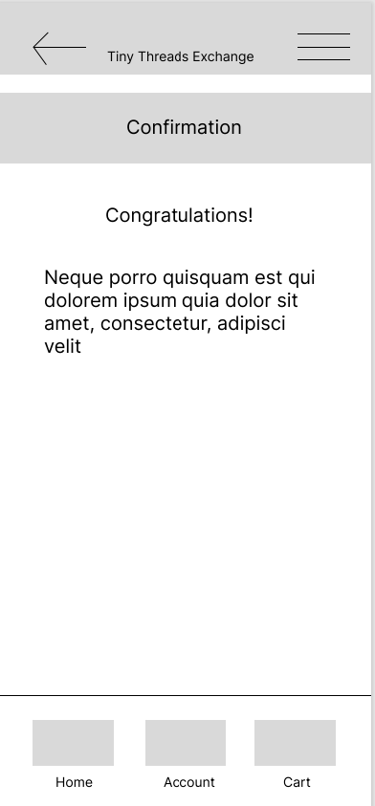
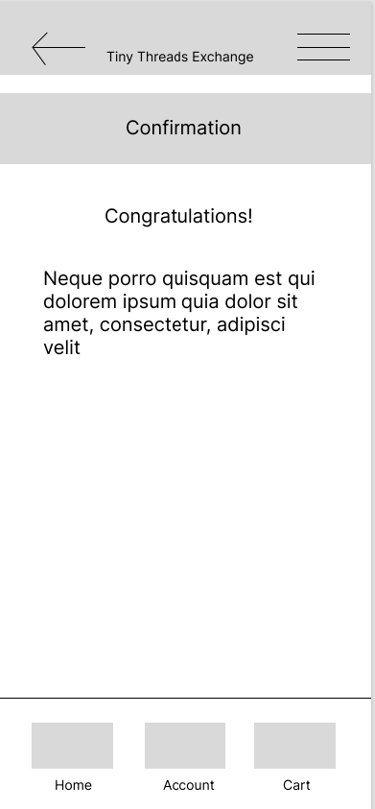
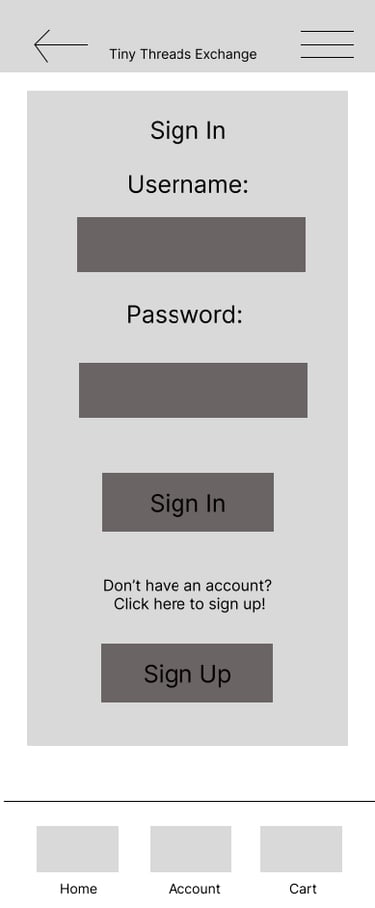
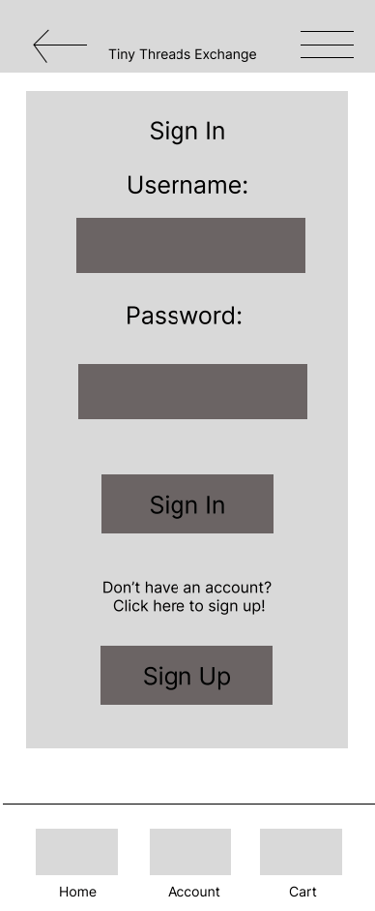
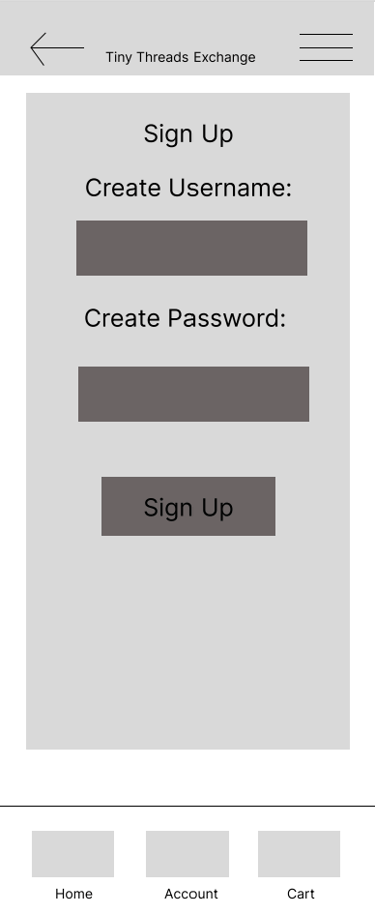
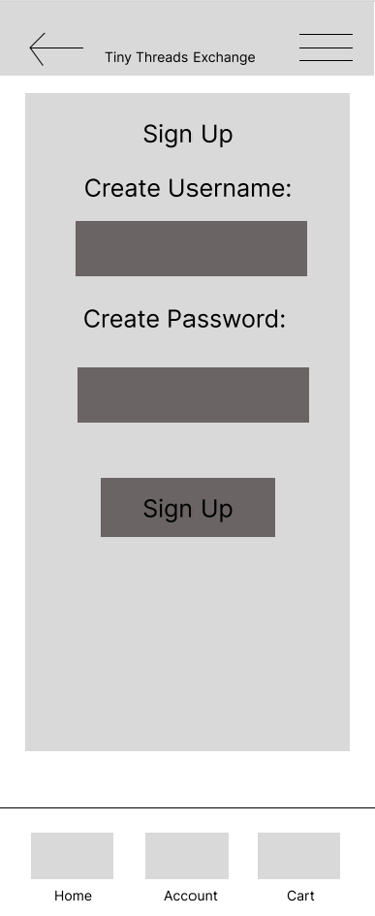
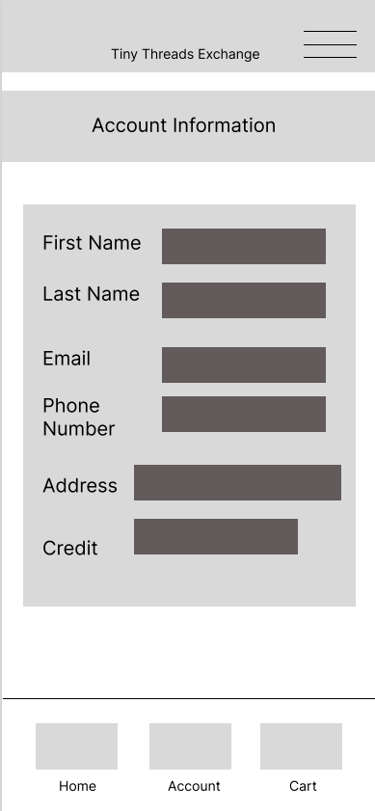
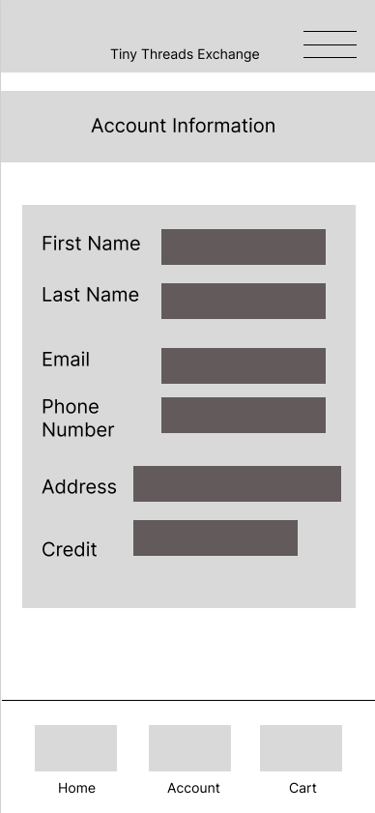
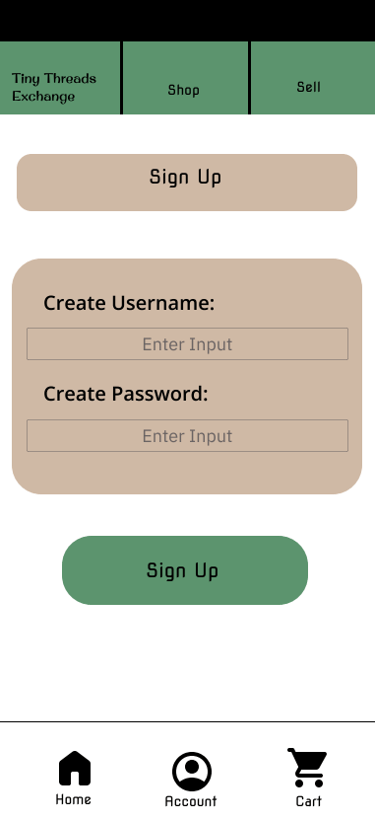
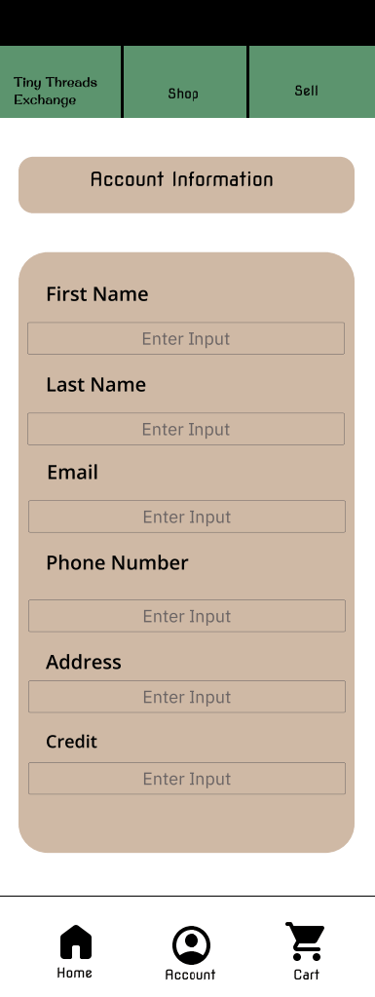
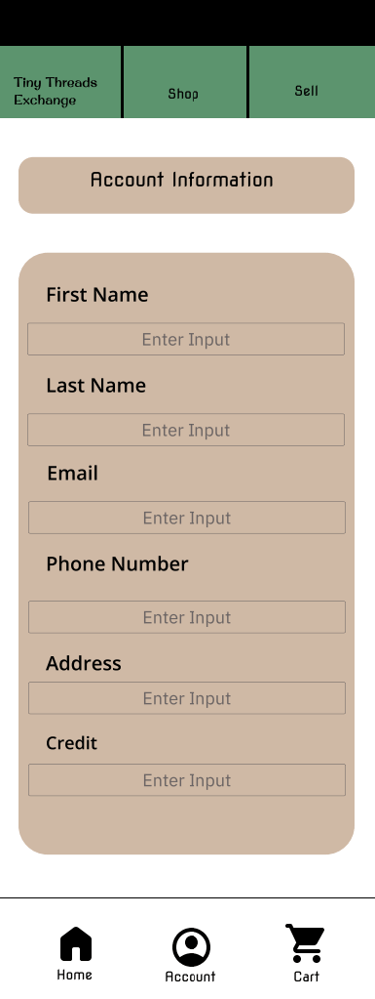
Mobile App Wireframes
Usability Study: Findings
Usability Testing – Tiny Threads Exchange
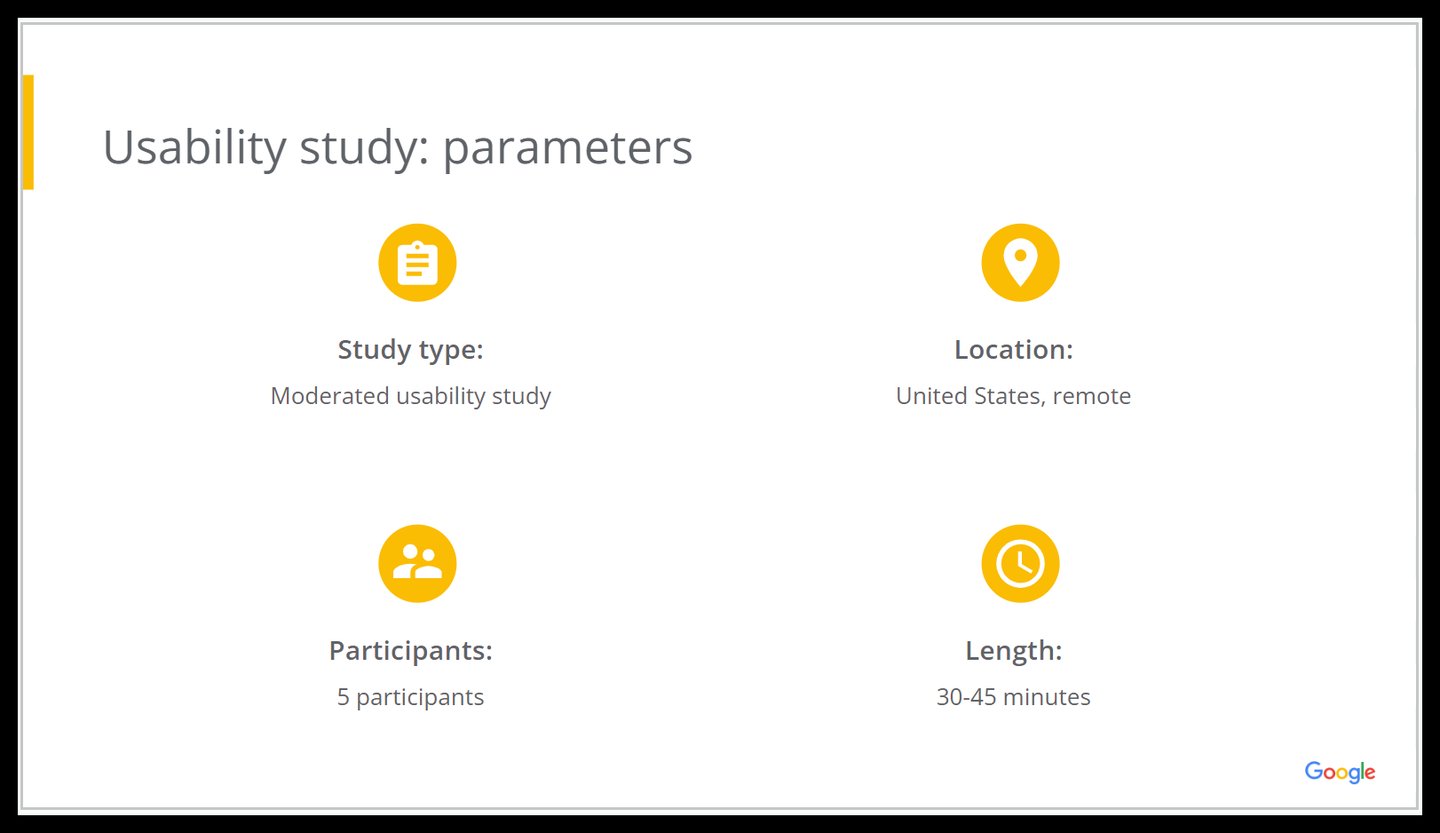
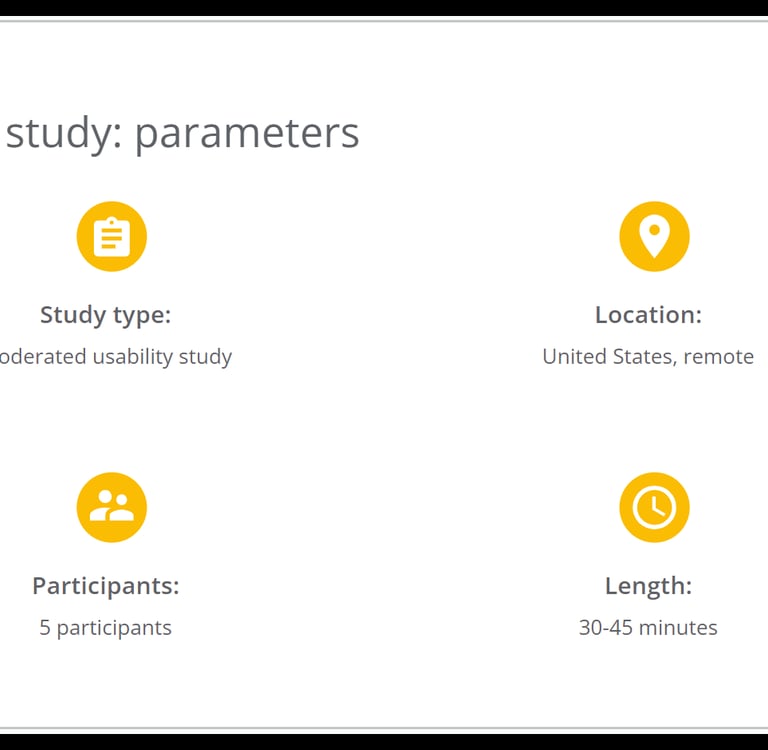
I conducted moderated usability testing with 5 parents (representing the target demographic: parents of children ages 0–14) to validate the proposed designs for both the responsive website and mobile app.
Key Findings Participants successfully completed core tasks with high confidence:
Browsing and filtering children's clothing listings across age, size, condition, and other criteria
Completing a full purchase flow (from cart to checkout)
Creating a seller listing (uploading photos, setting condition/pricing, publishing)
Navigating seamlessly between desktop and mobile views
All participants understood the overall user flow and expressed that the interface felt intuitive, trustworthy, and tailored to busy parents’ needs.
Impact Positive task completion and feedback confirmed the effectiveness of simplified flows, clear trust indicators, and responsive design decisions. Minor friction points identified (e.g., photo upload guidance) were addressed in final iterations to further reduce cognitive load.
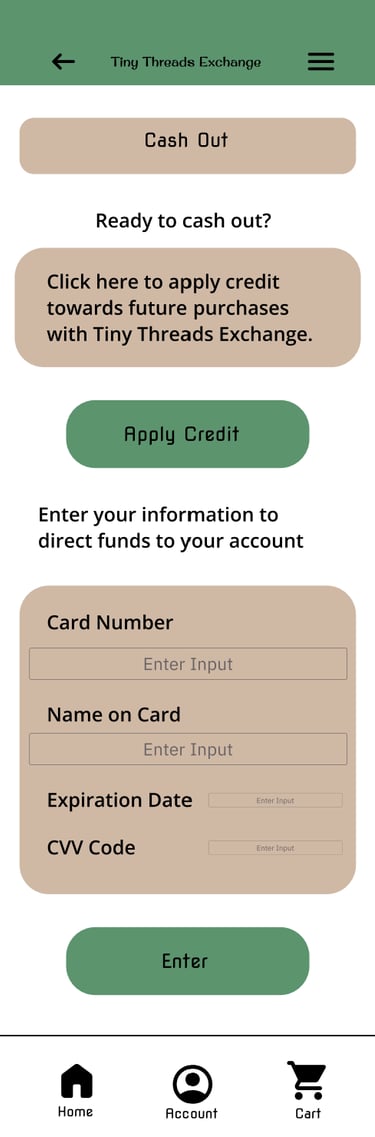
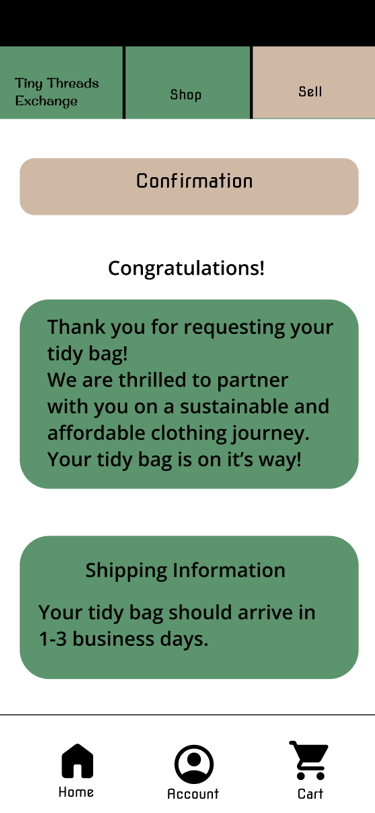
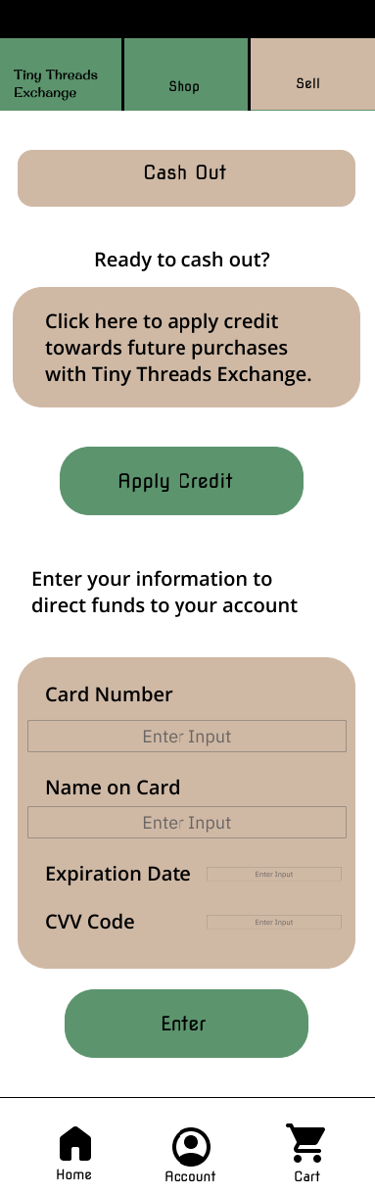
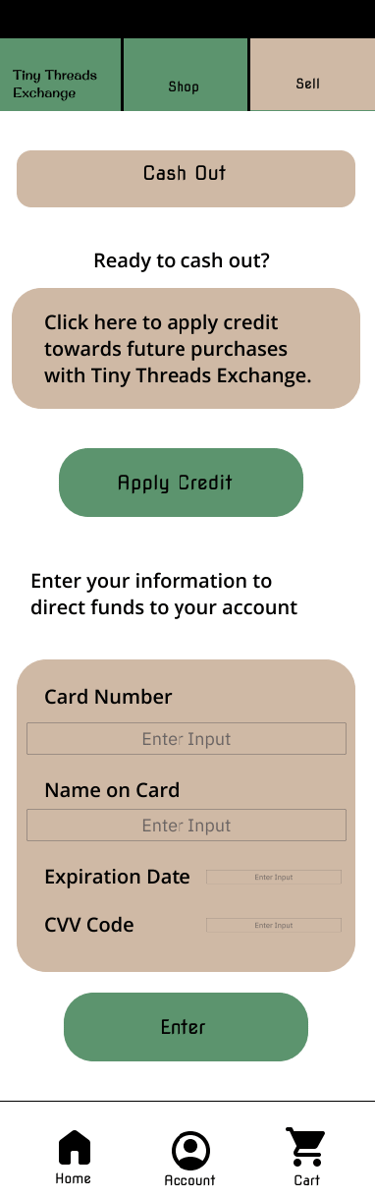
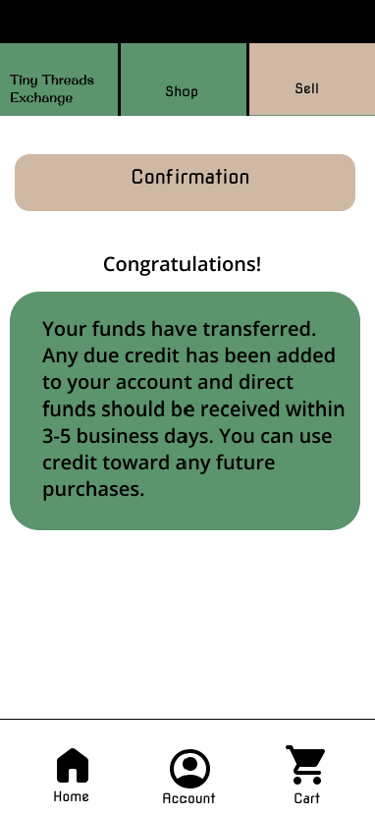
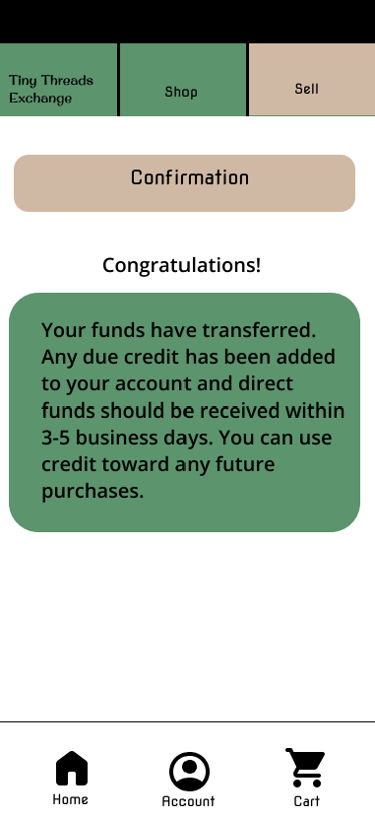
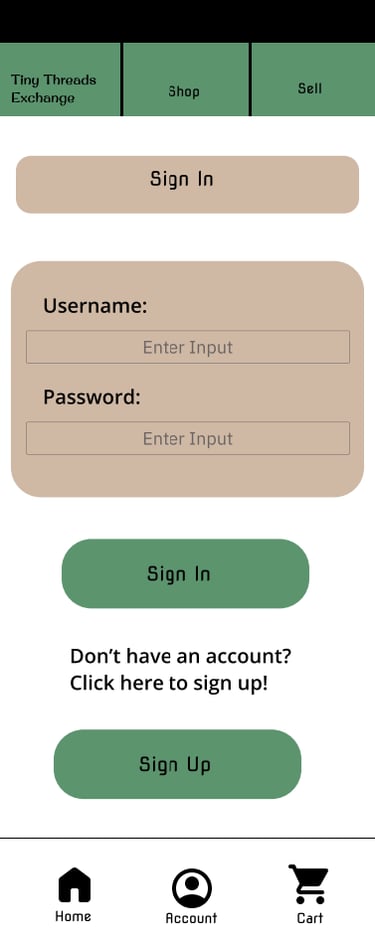
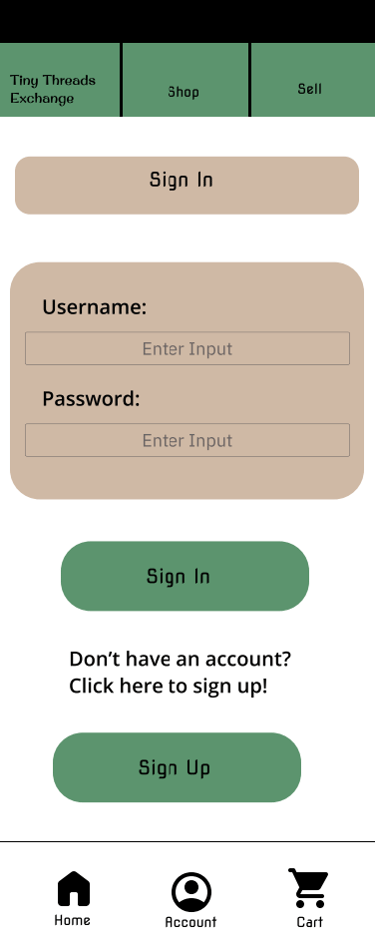
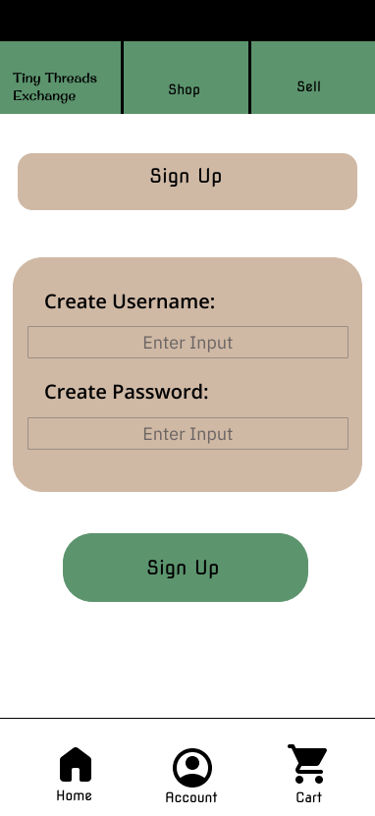
Mobile App Mockups
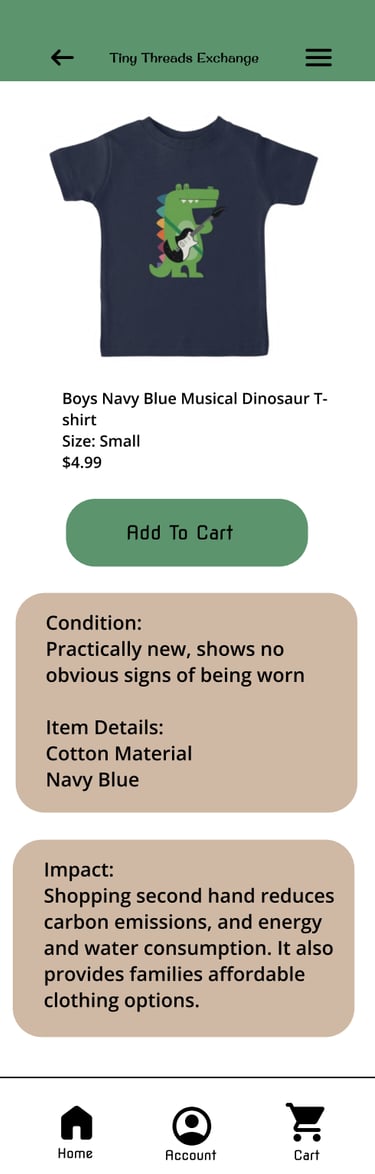
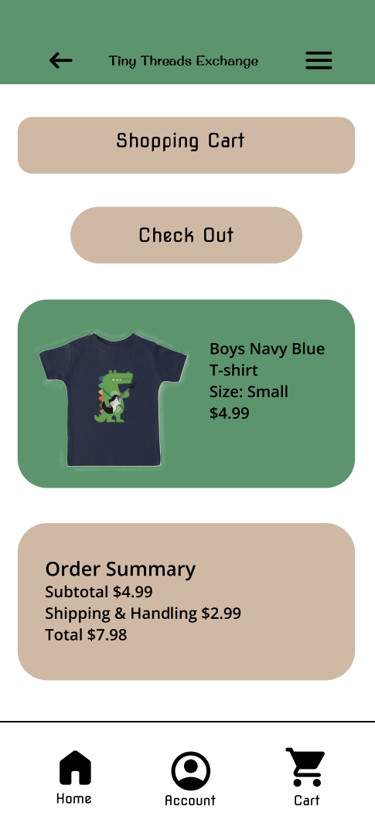
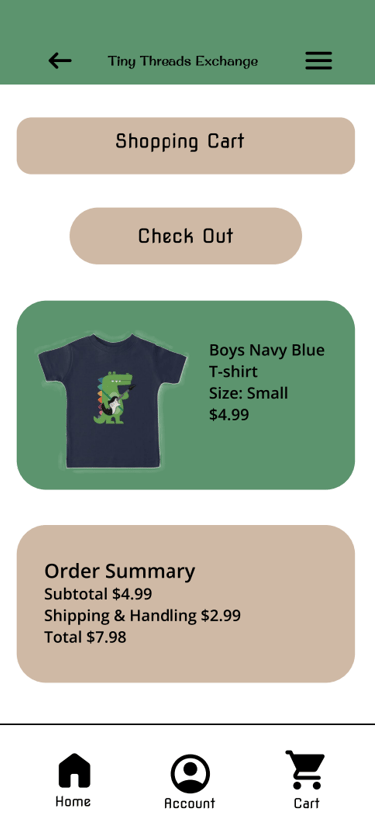
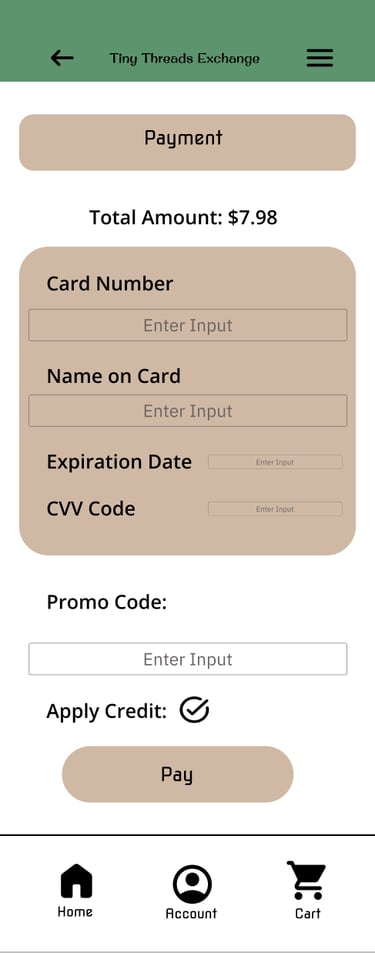
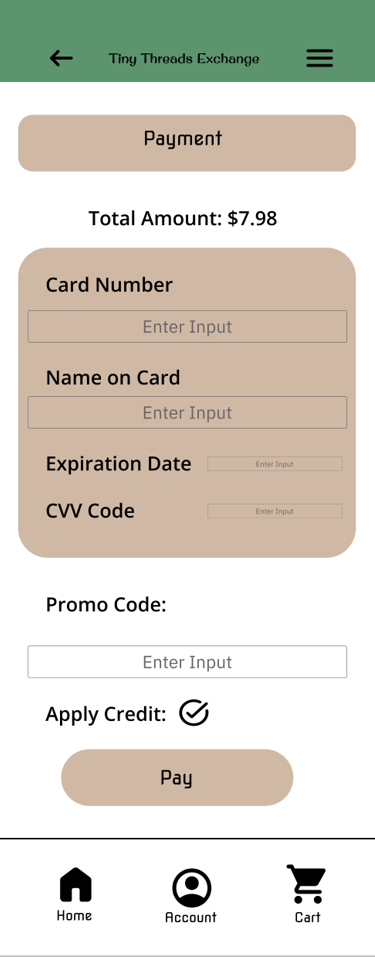
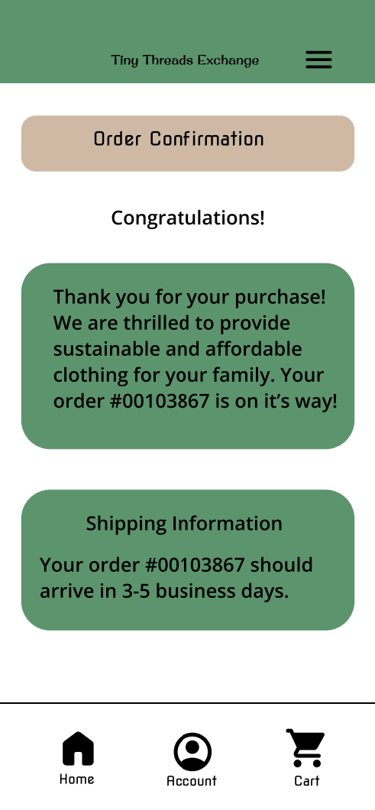
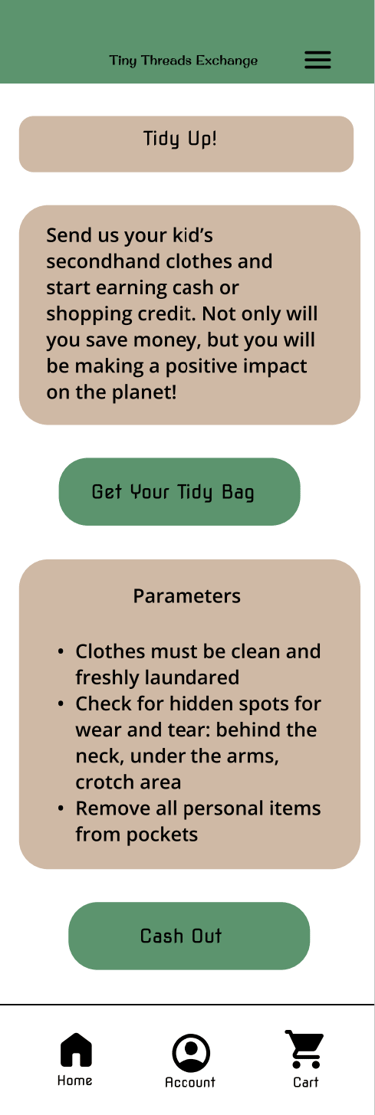
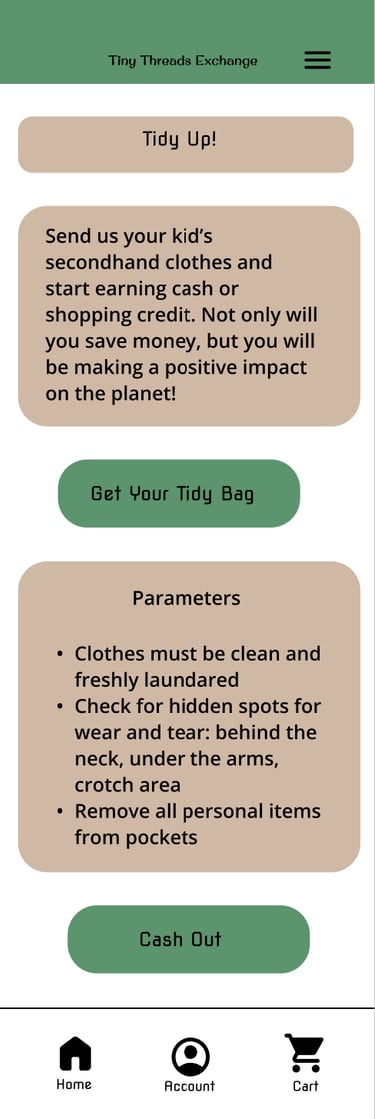
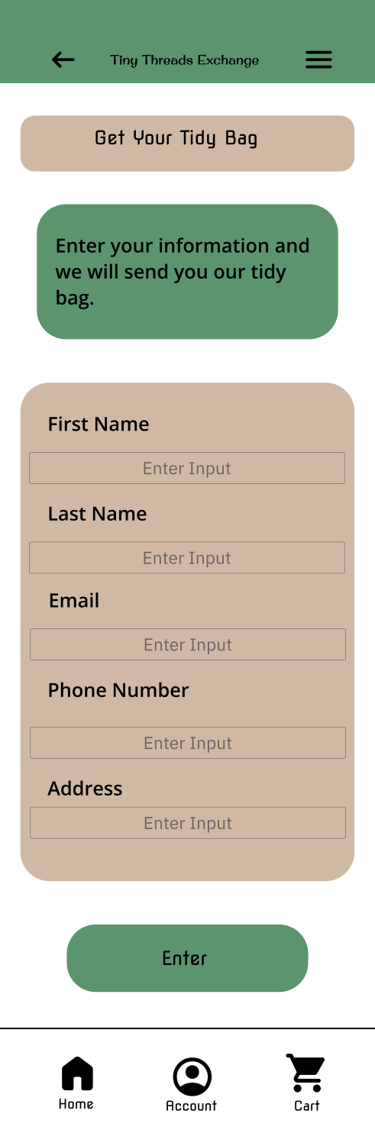
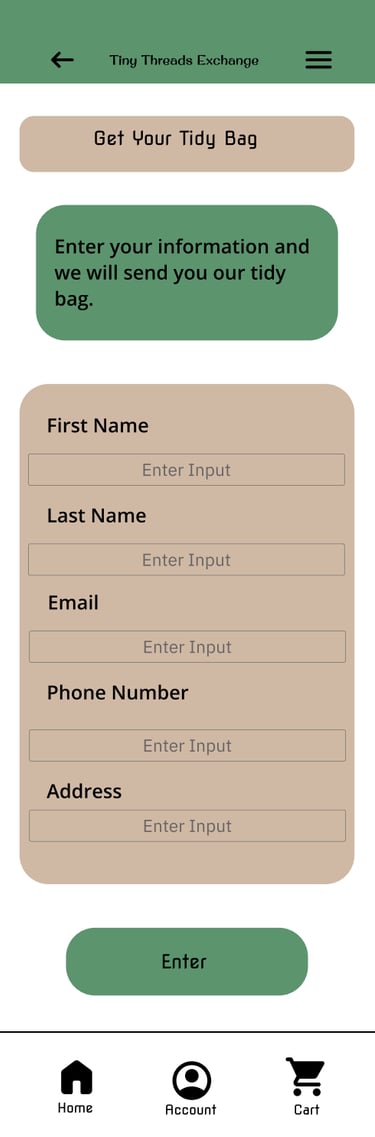
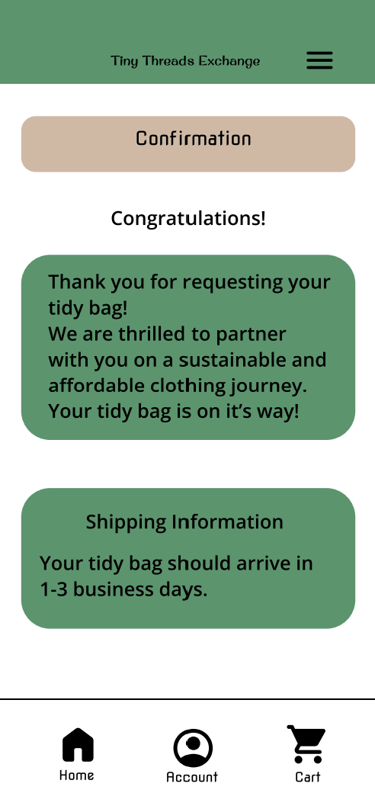
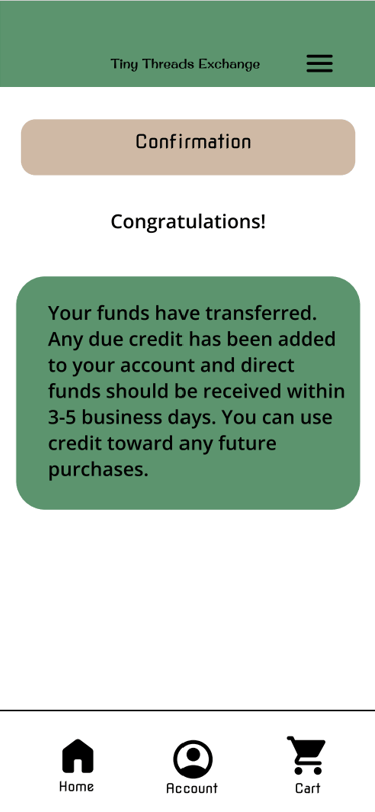
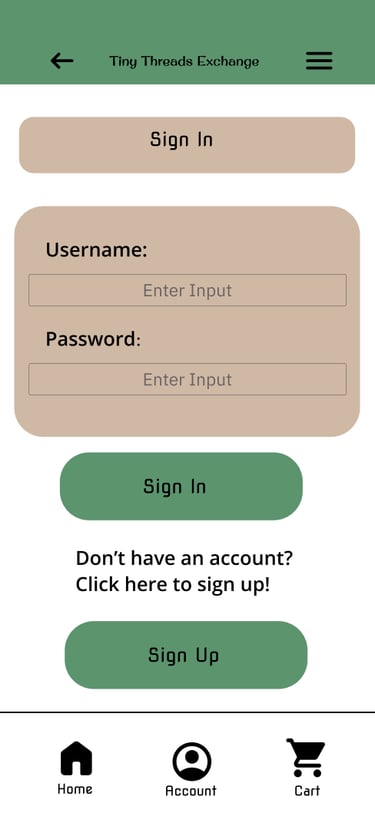
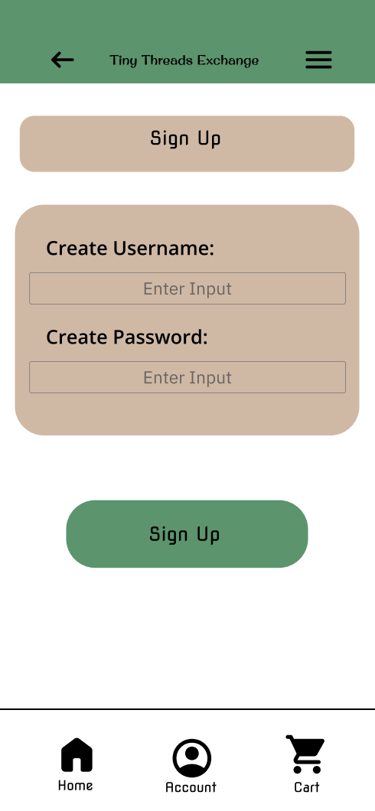
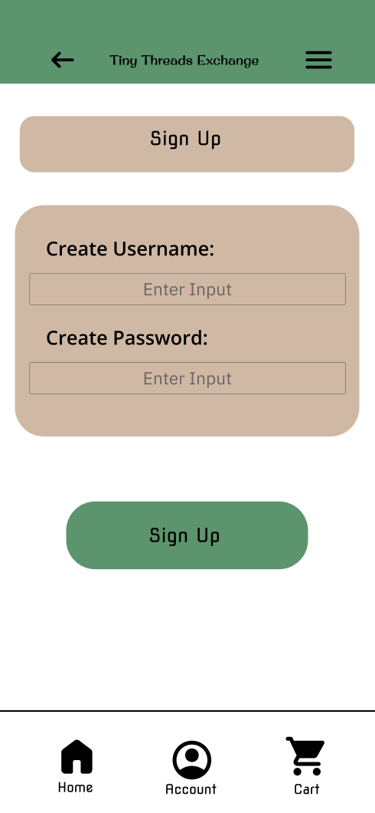
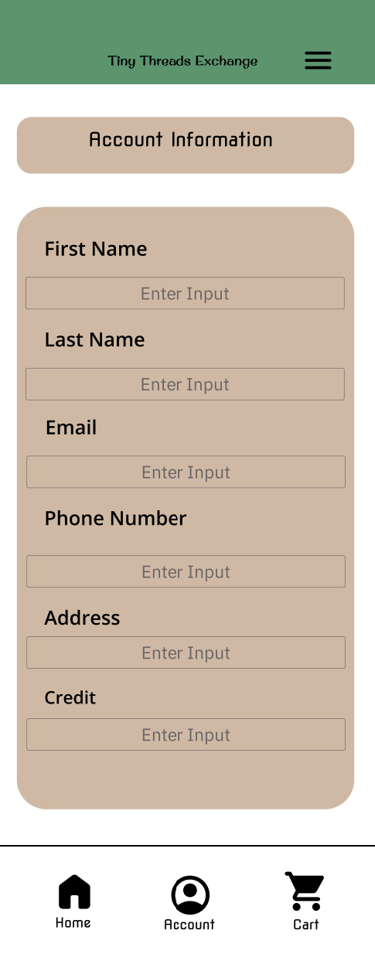
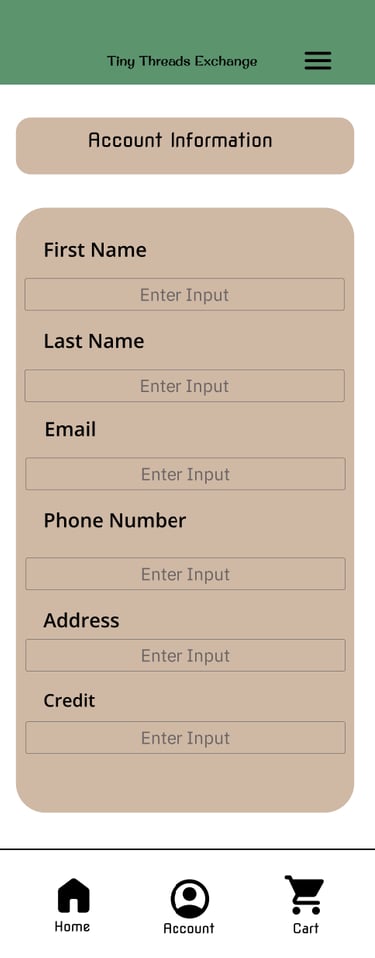
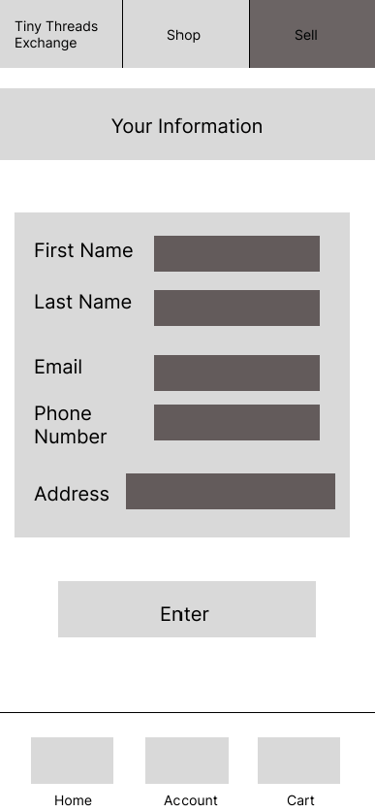
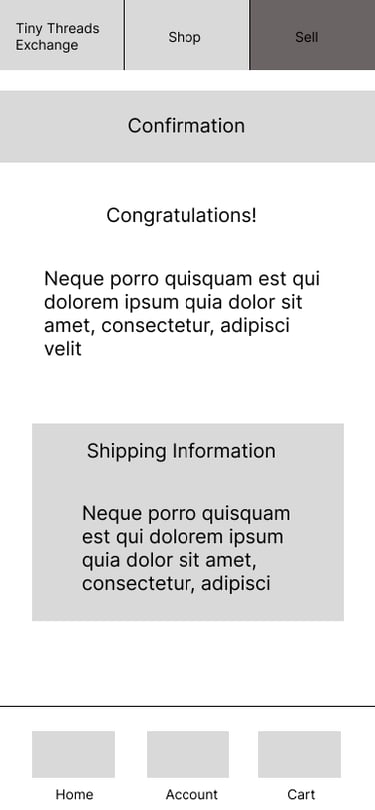
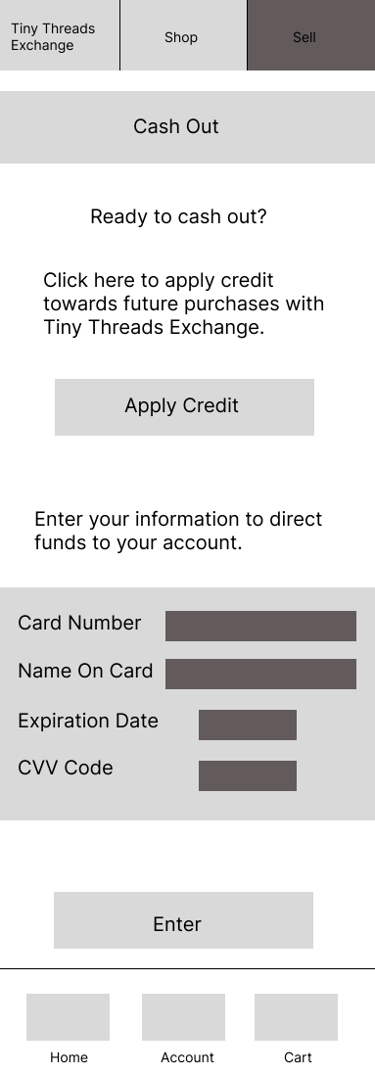
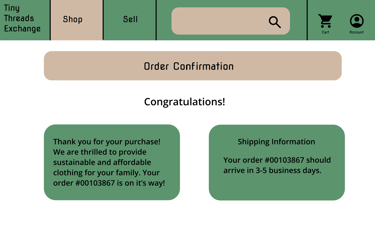
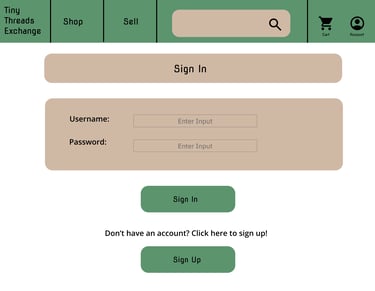
Mobile Website Wireframes
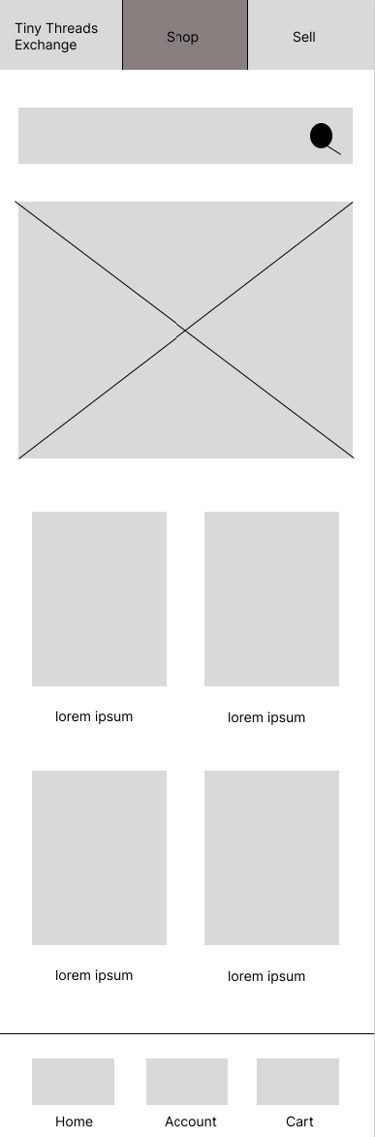
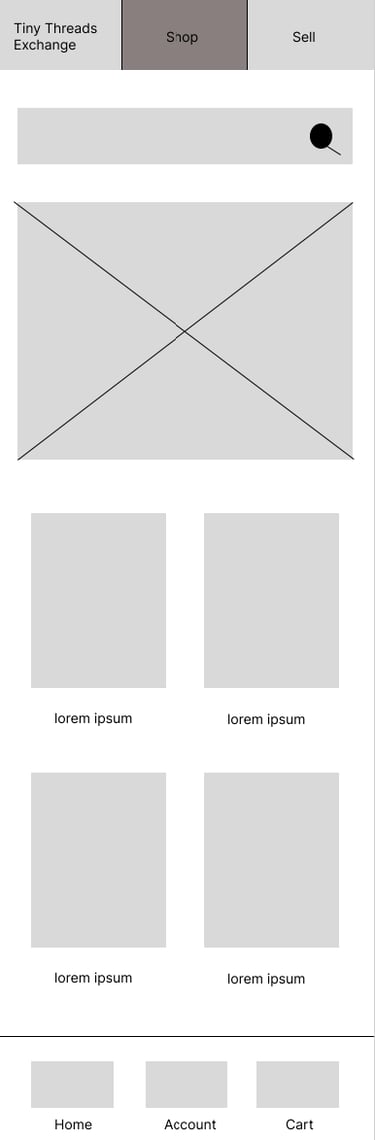
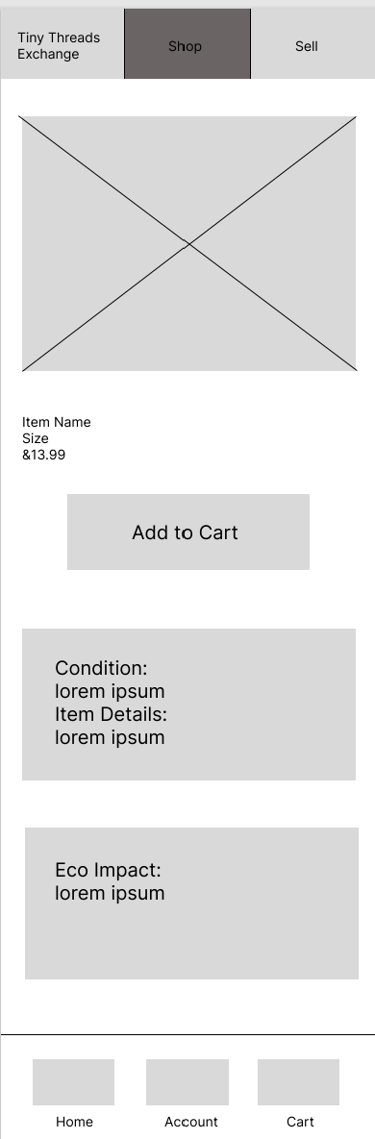
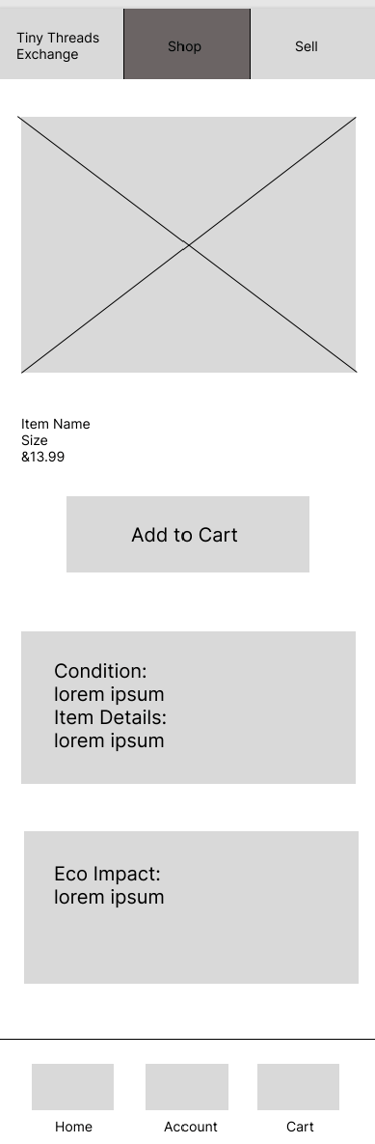
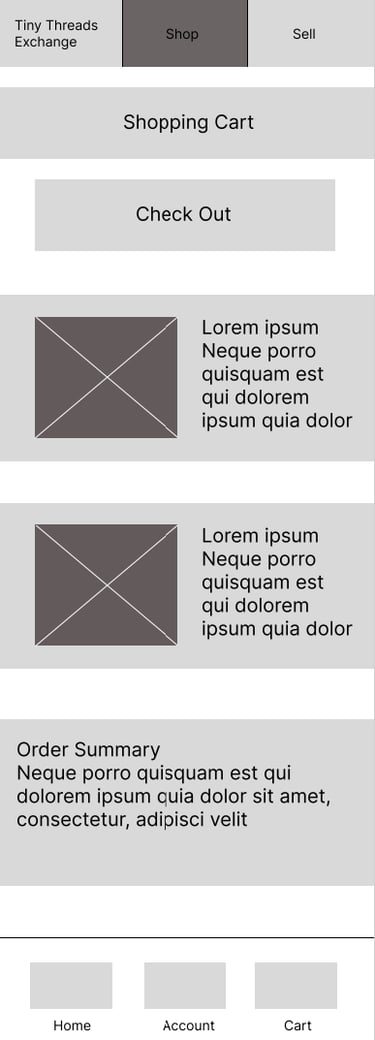
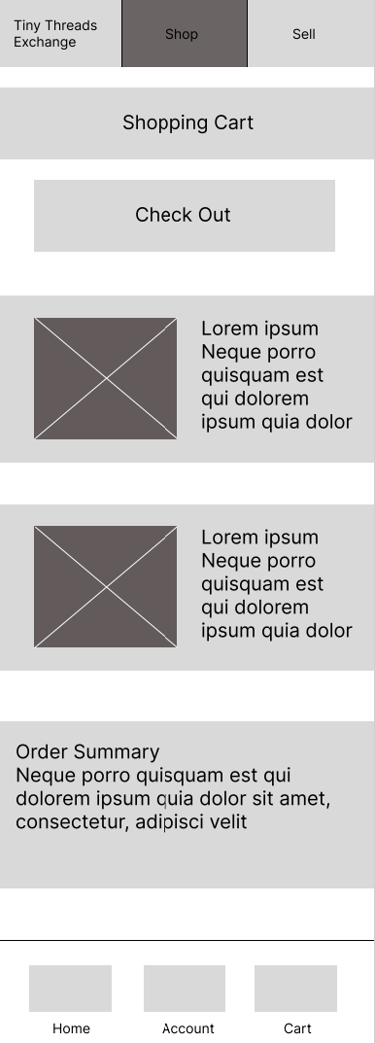
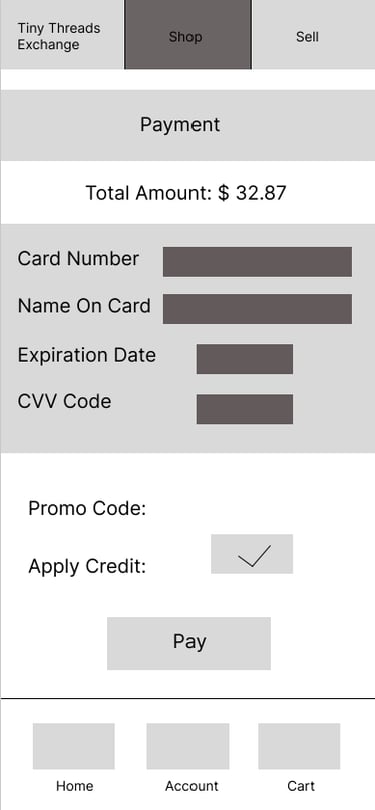
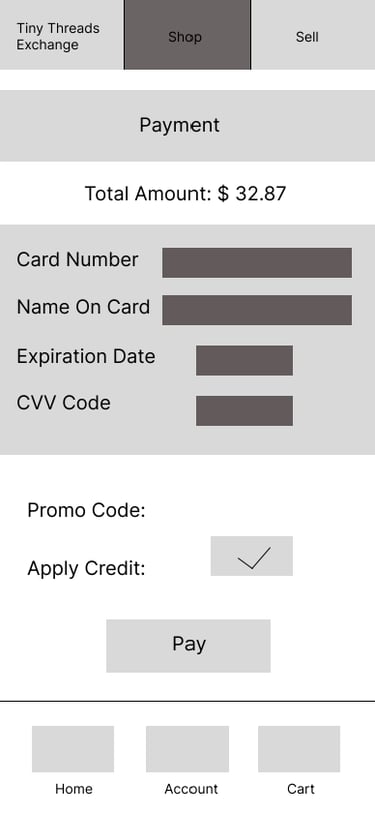
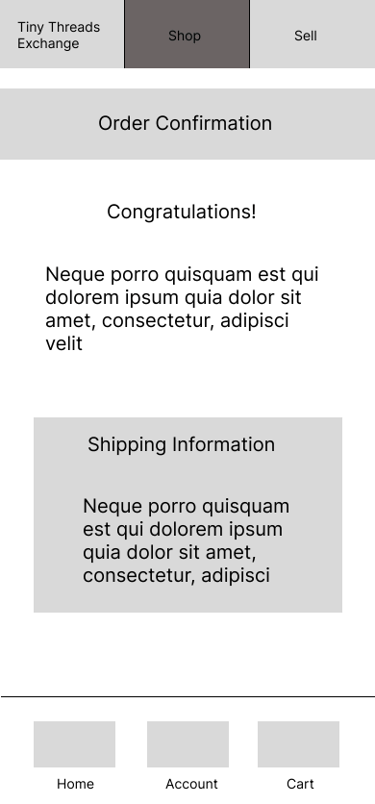
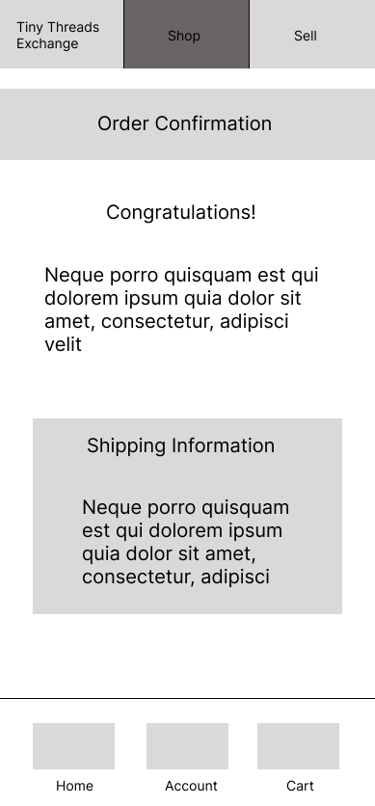
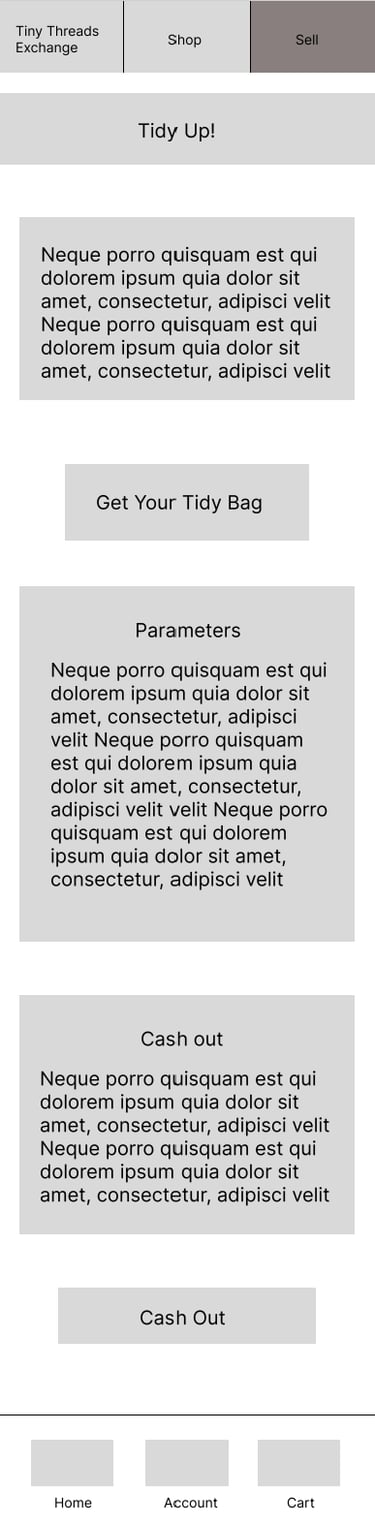
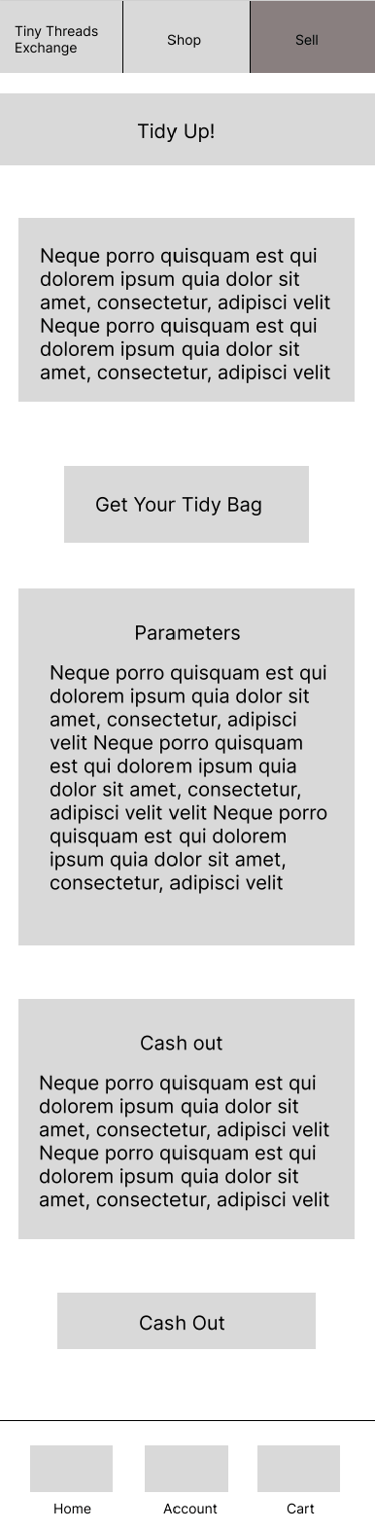
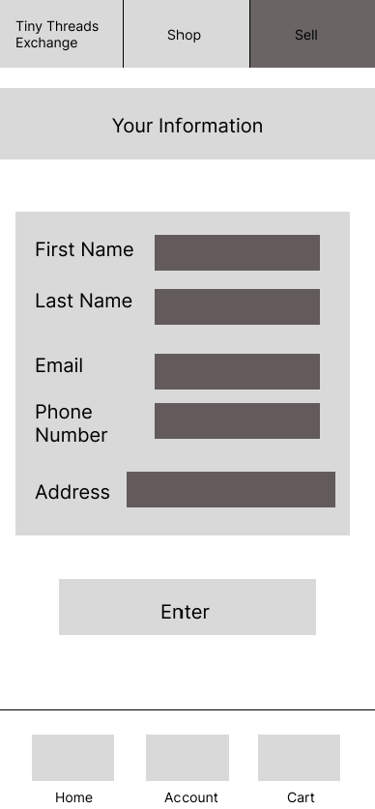
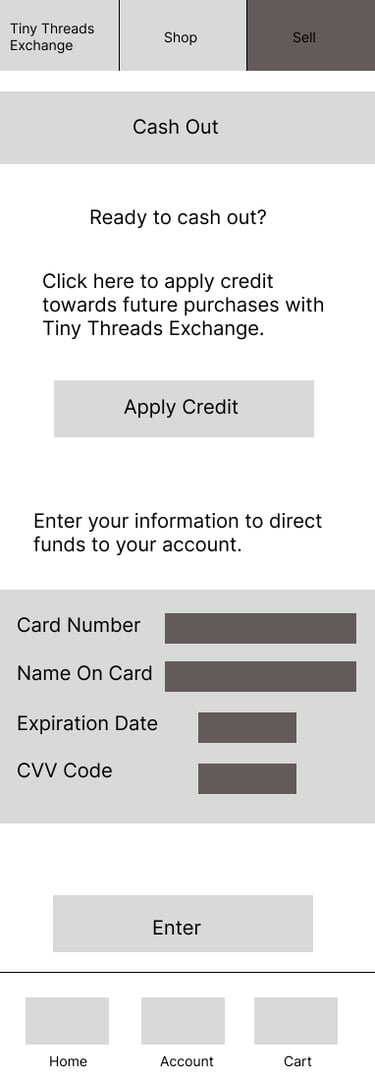
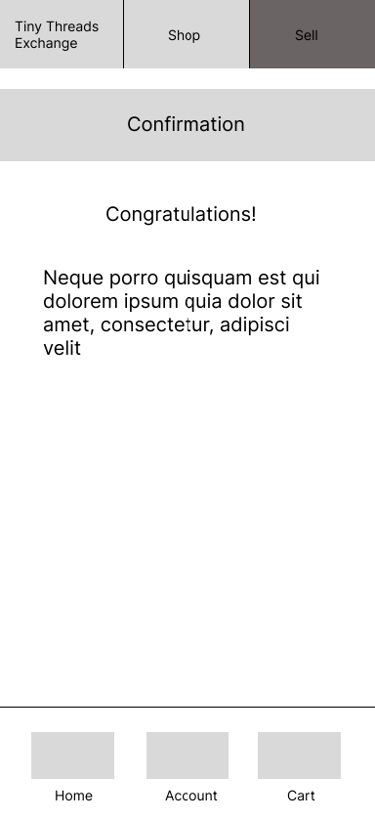
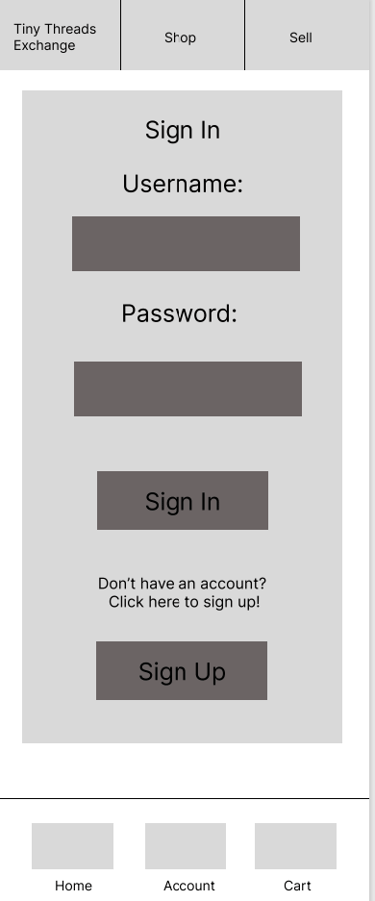
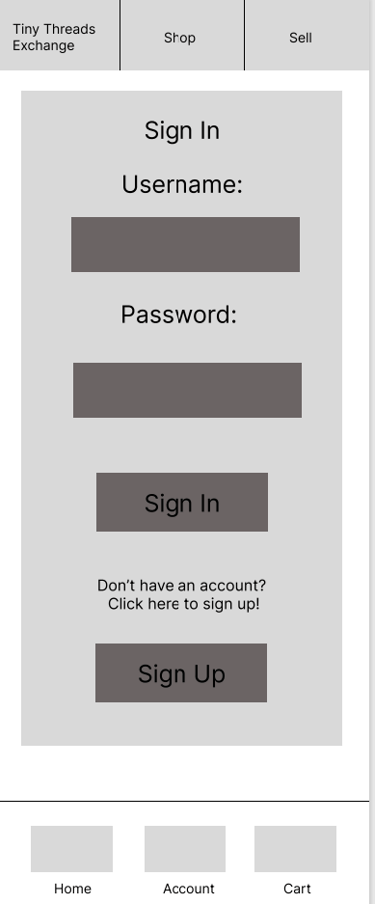
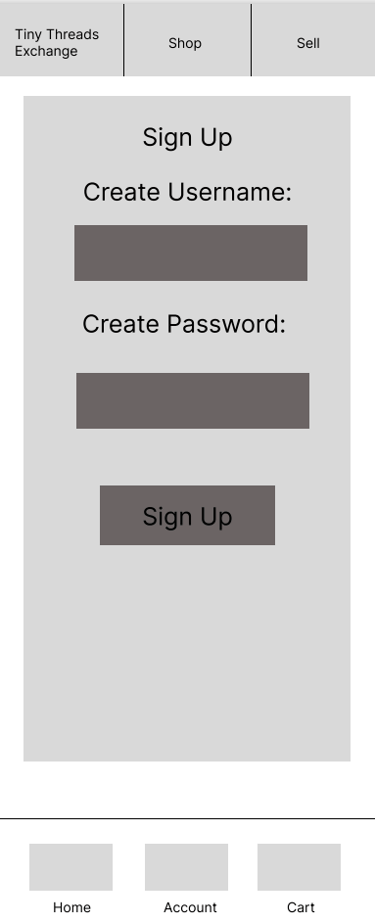
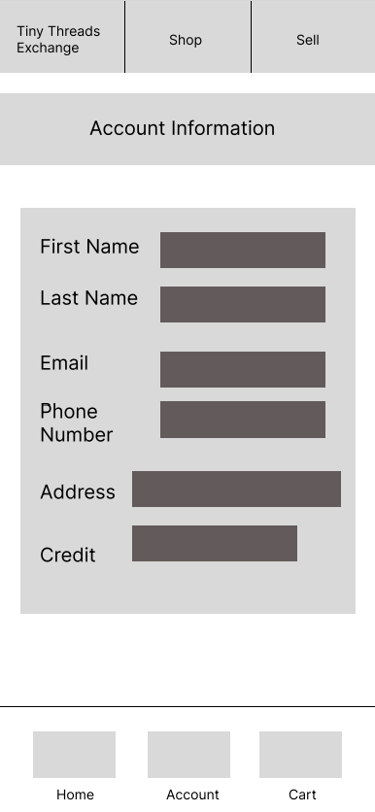
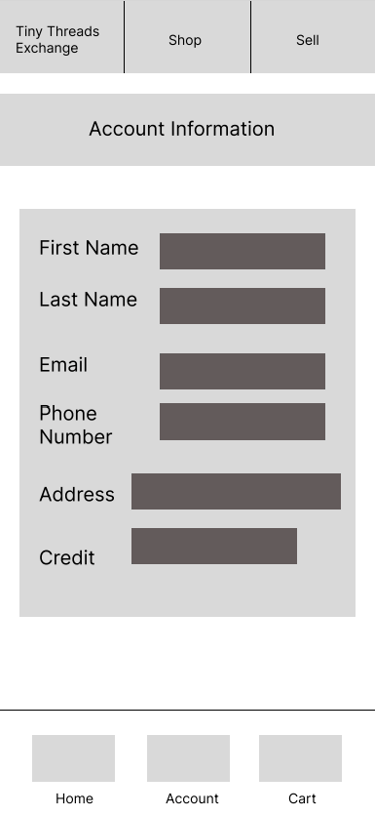
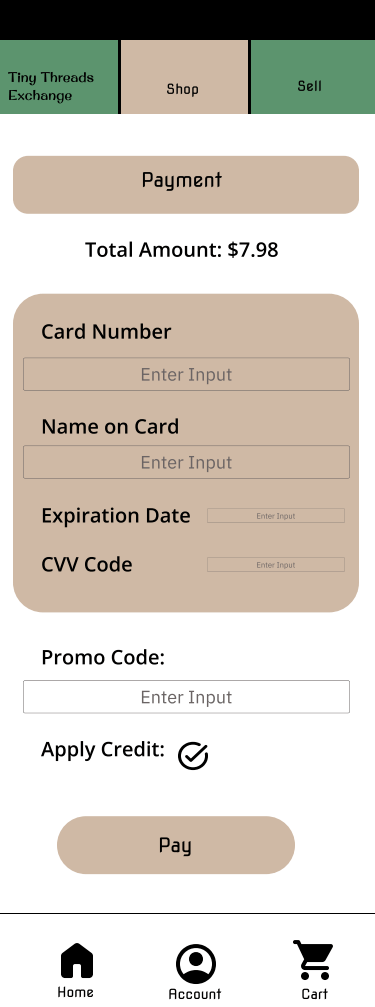
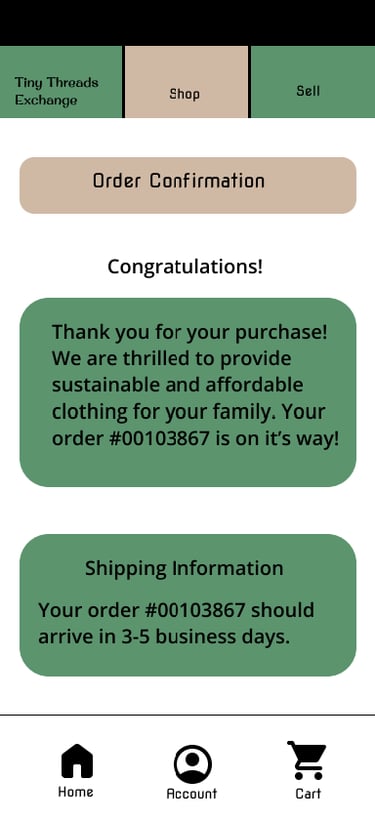
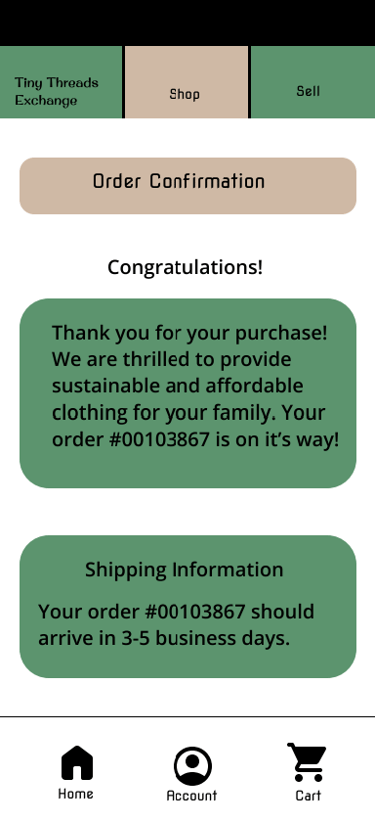
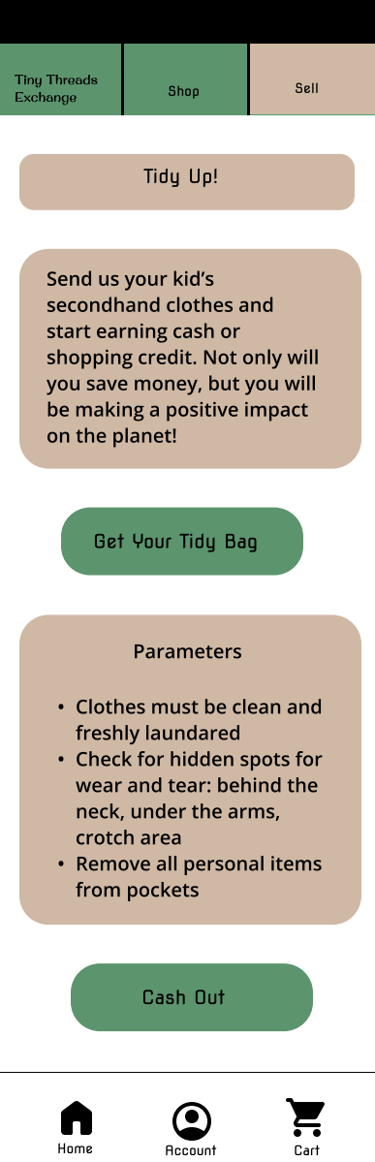
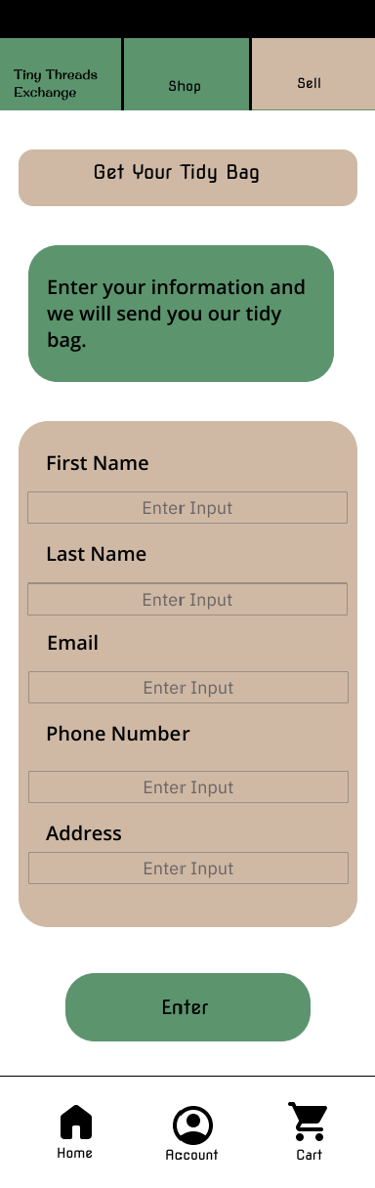
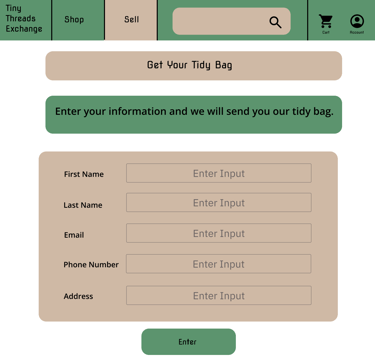
Mobile Website Mockups
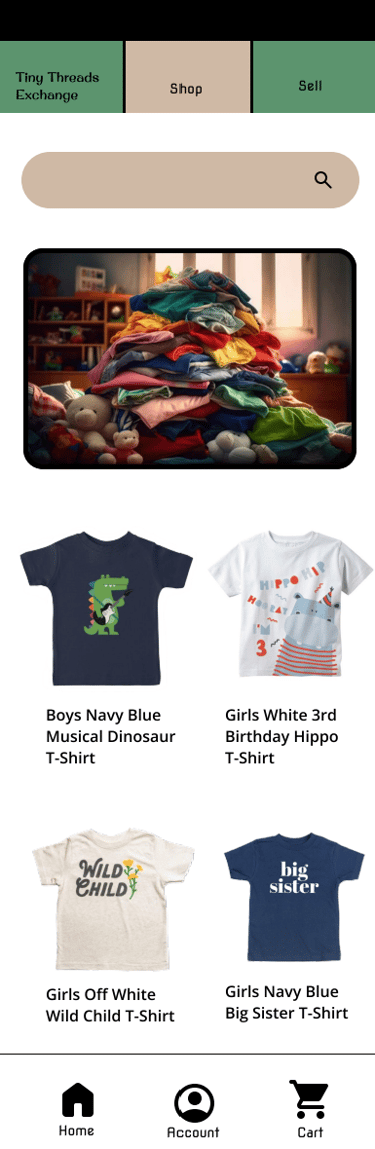
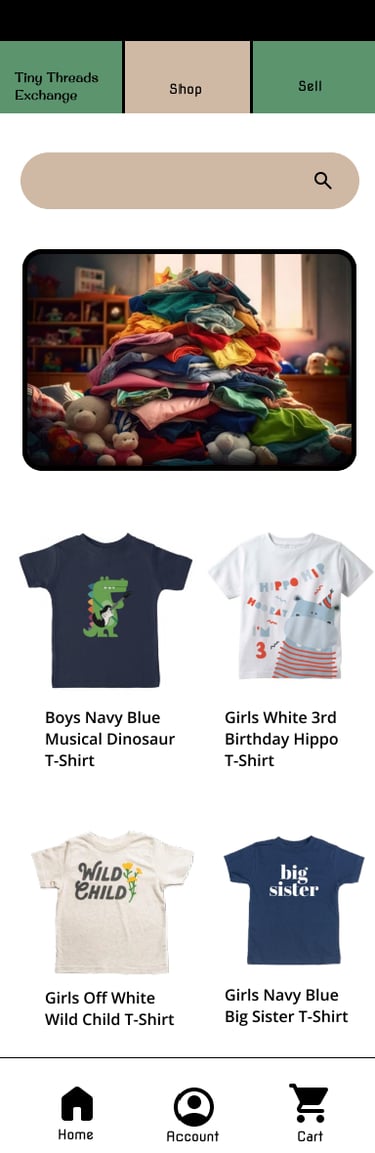
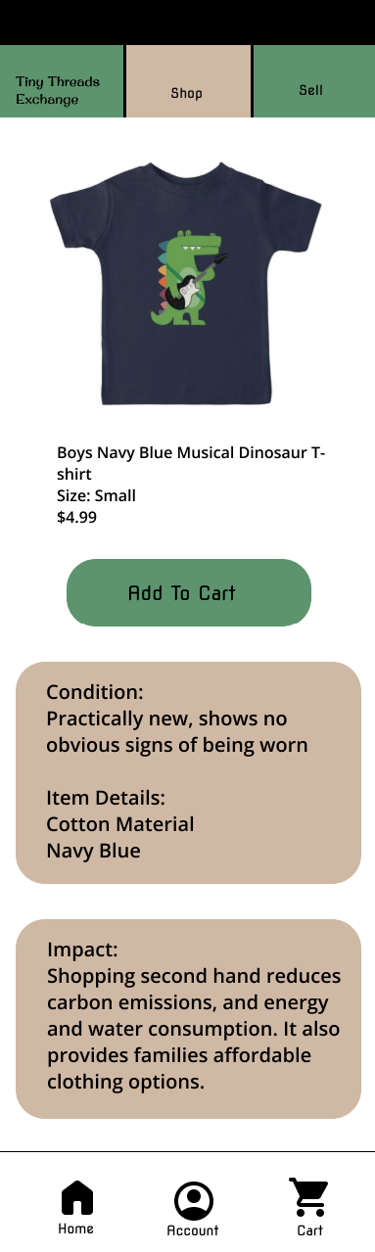
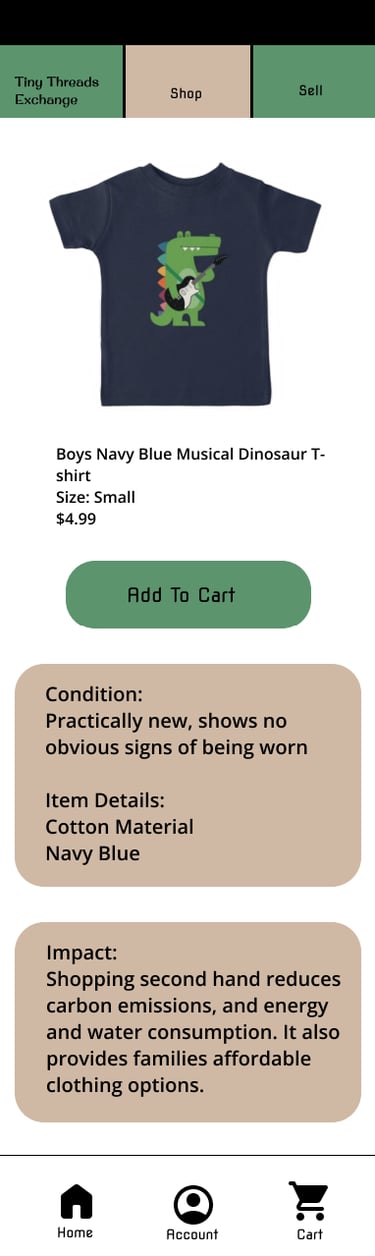
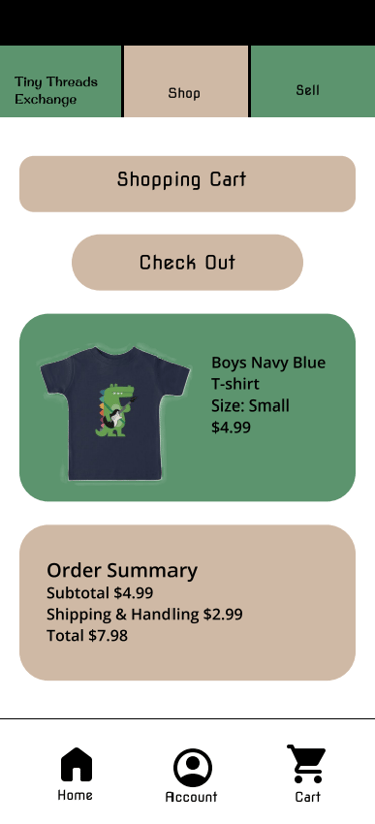
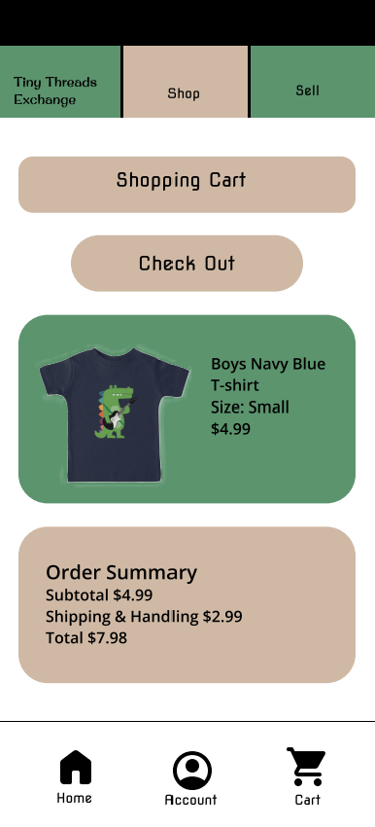
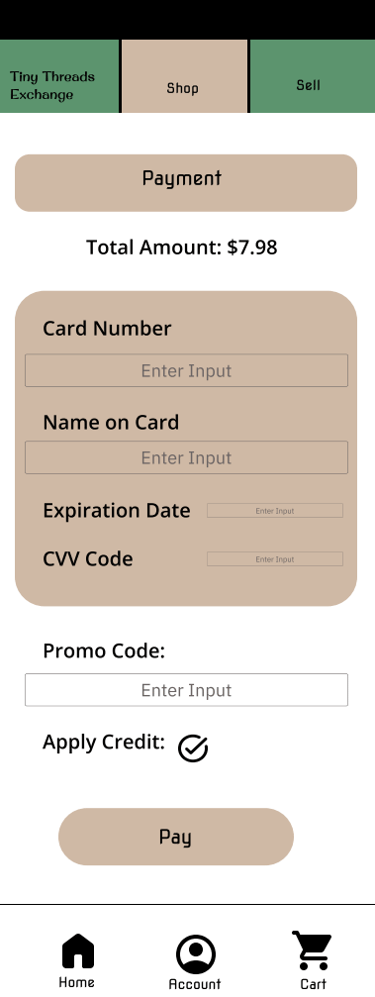
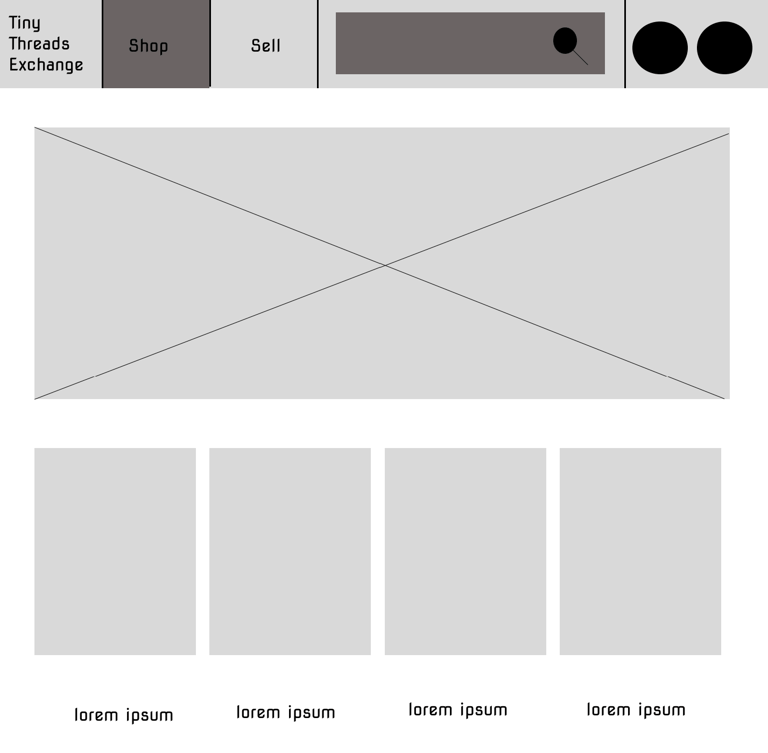
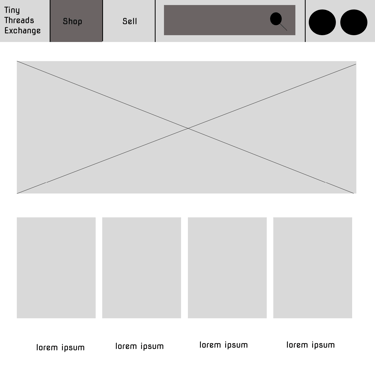
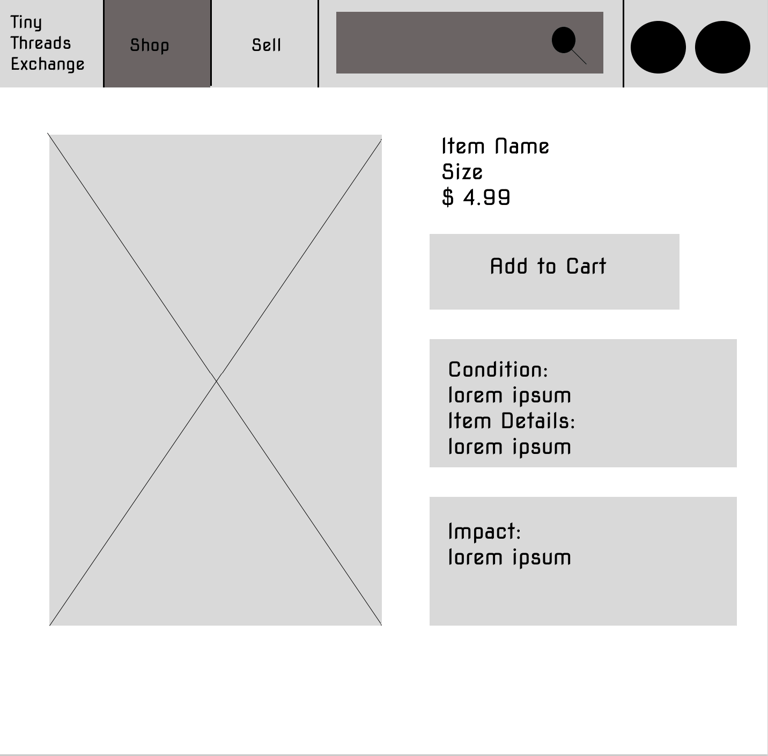
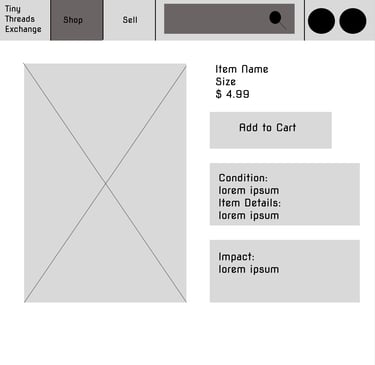
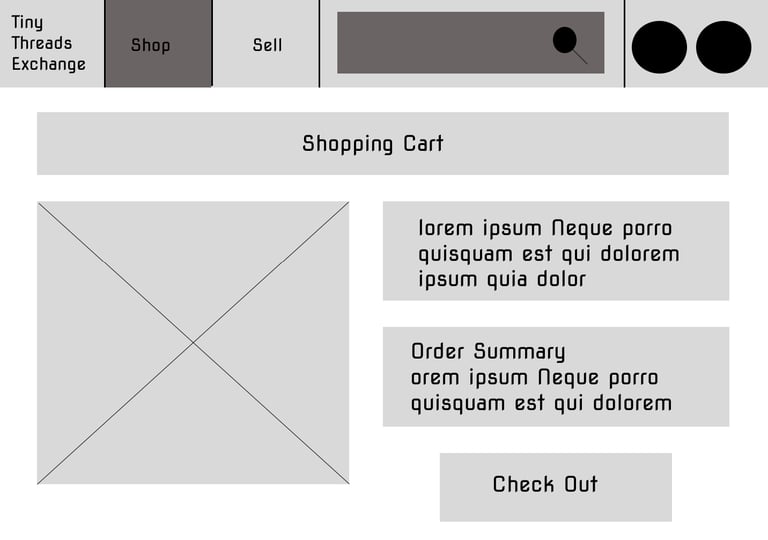
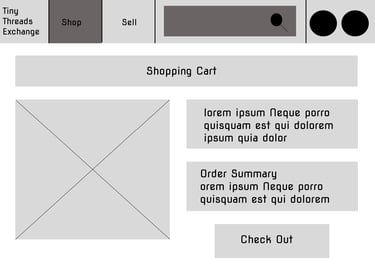
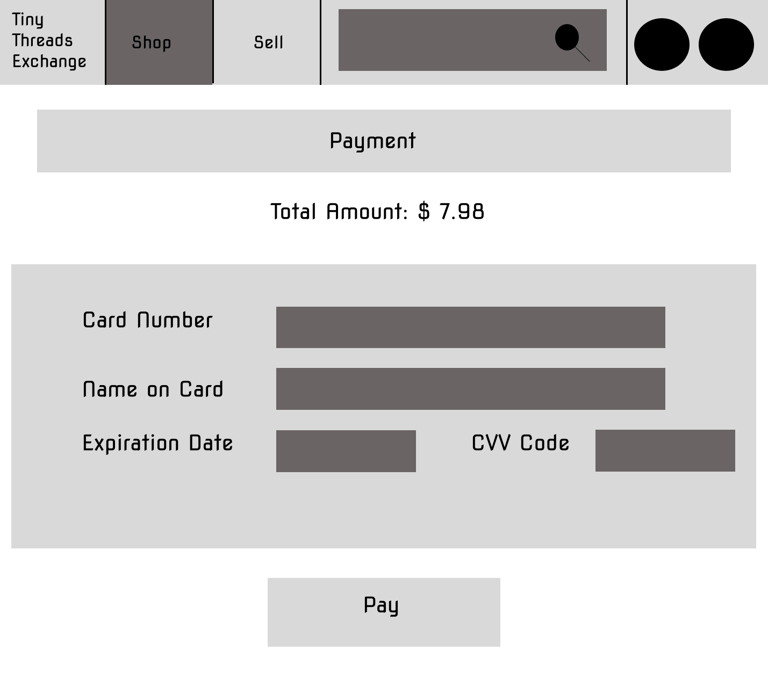
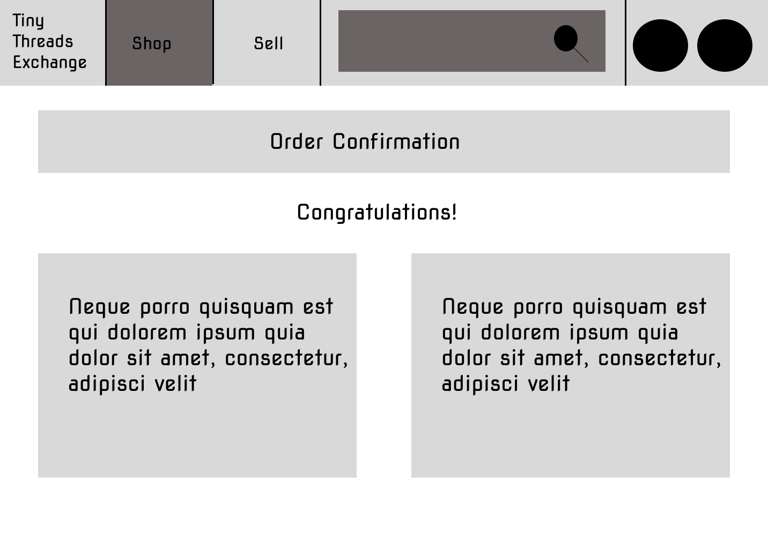
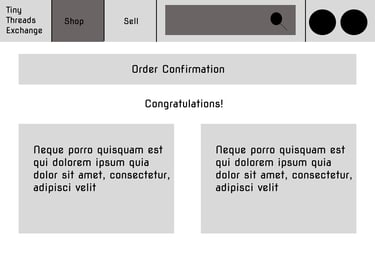
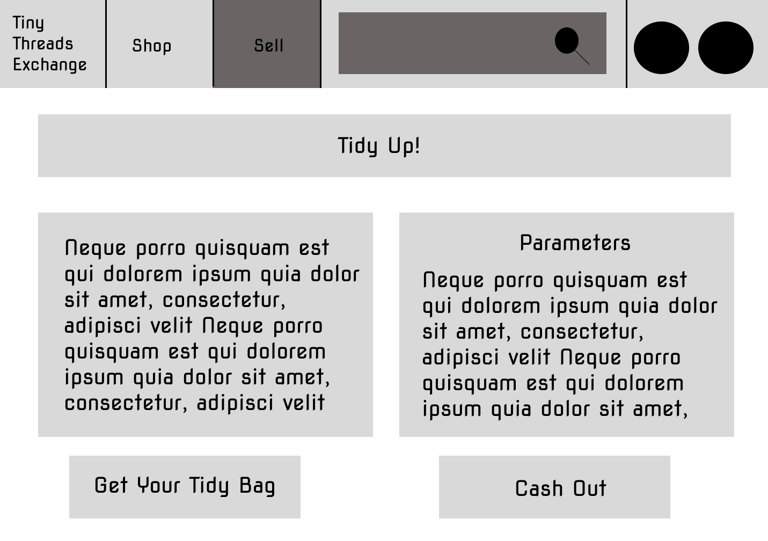
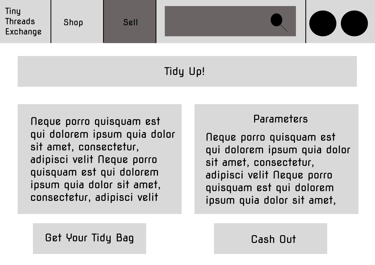
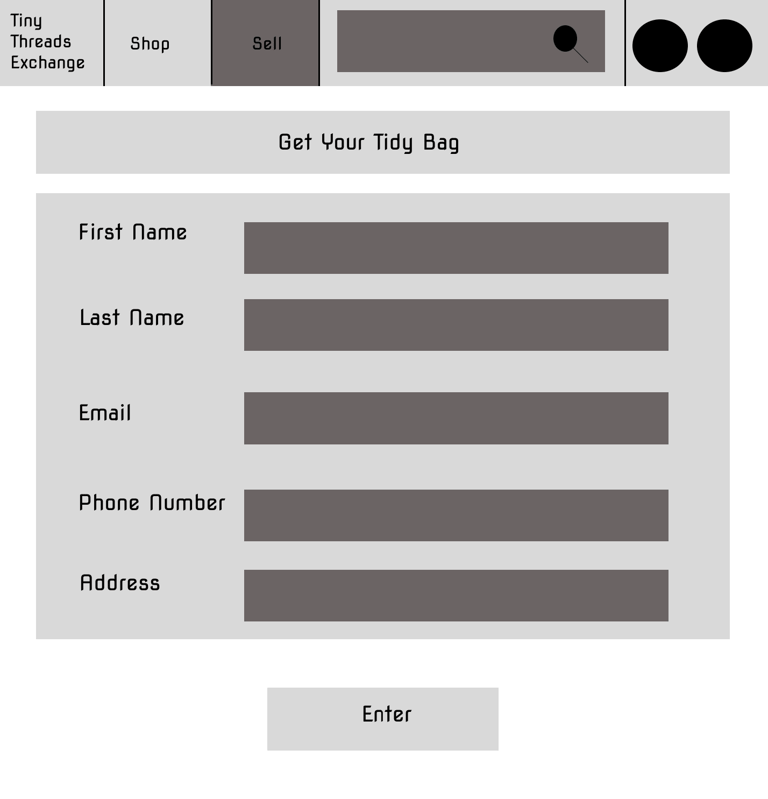
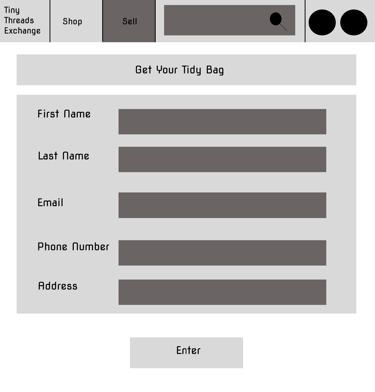
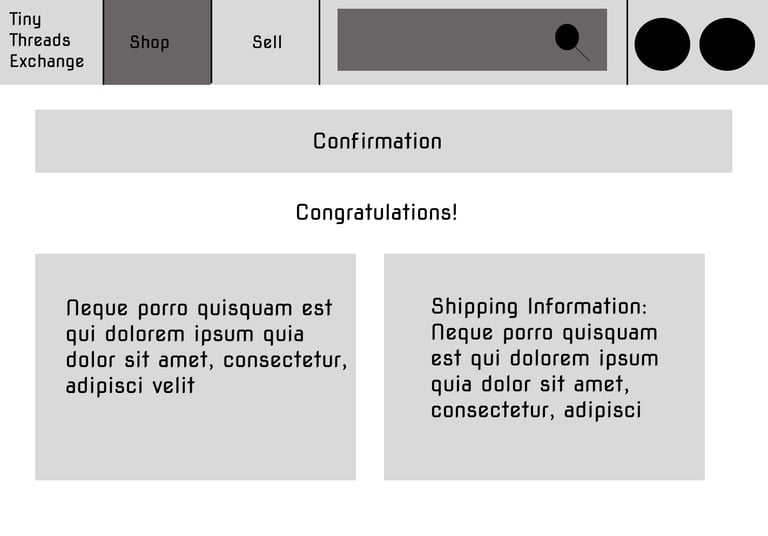
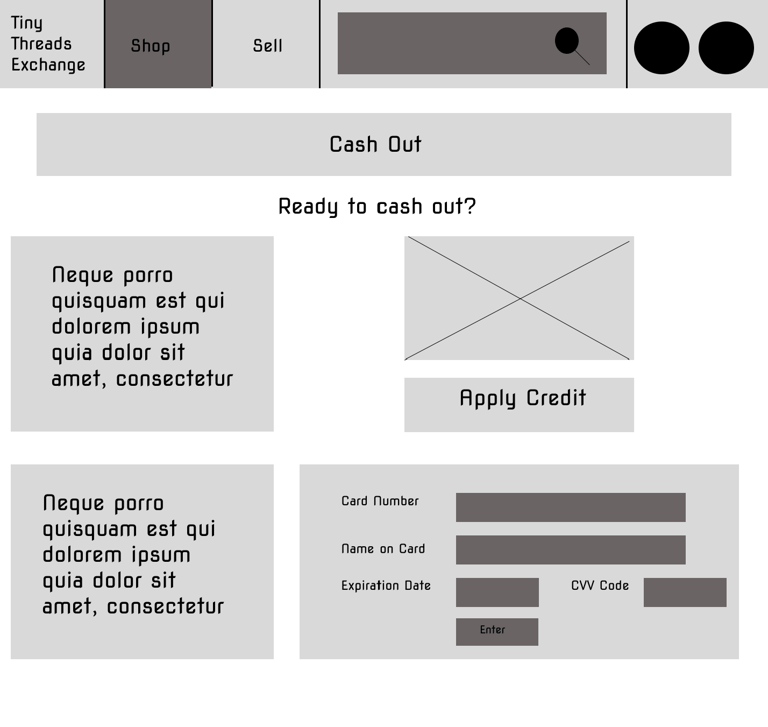
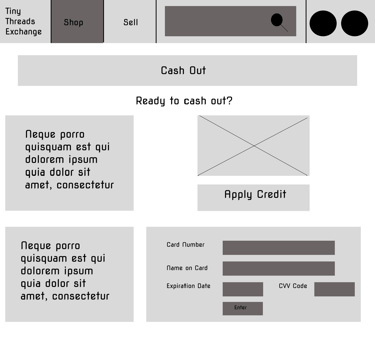
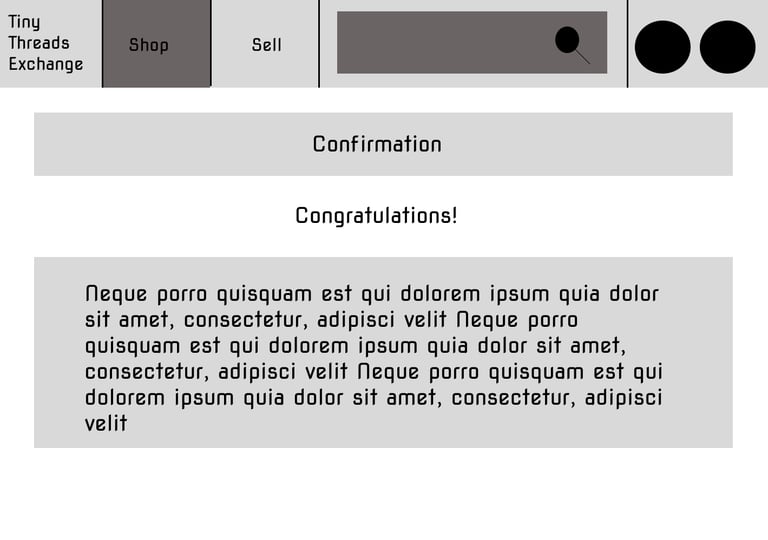
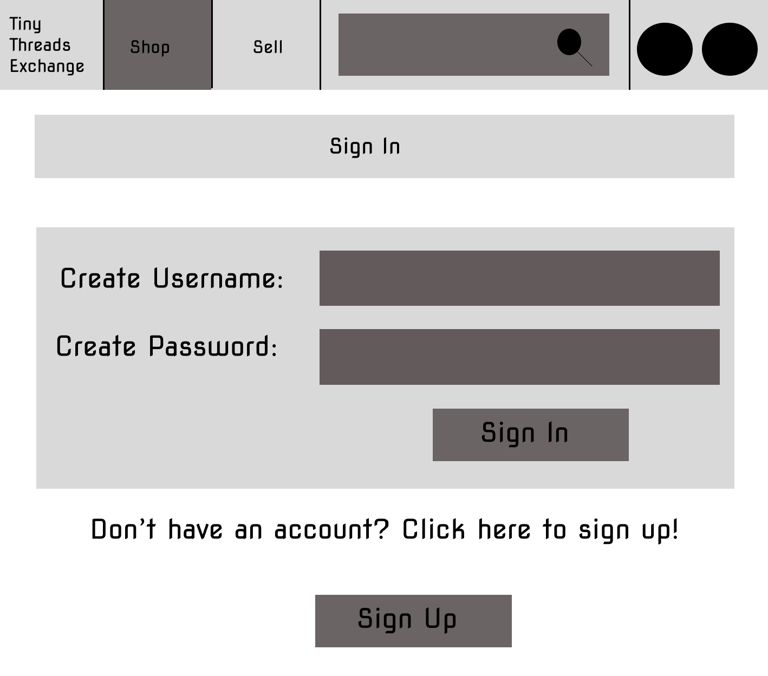
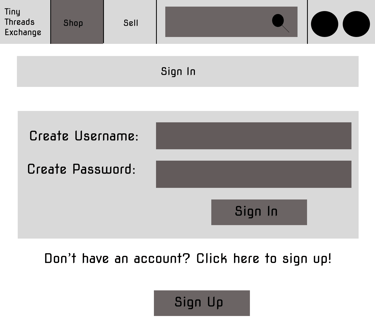
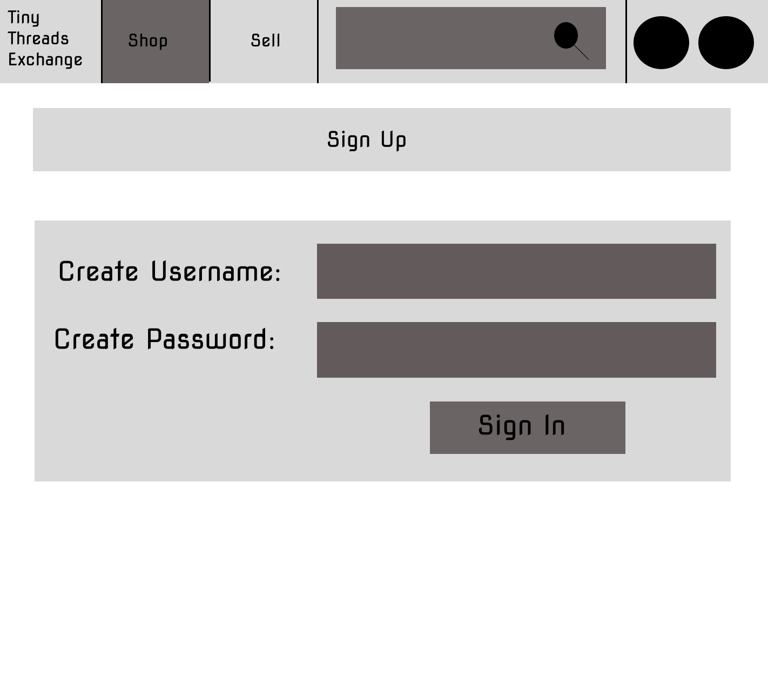
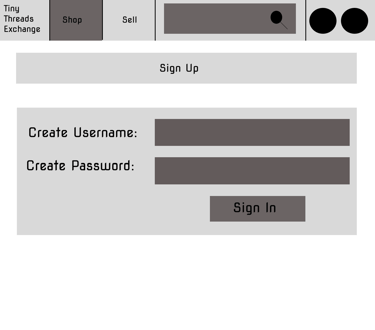
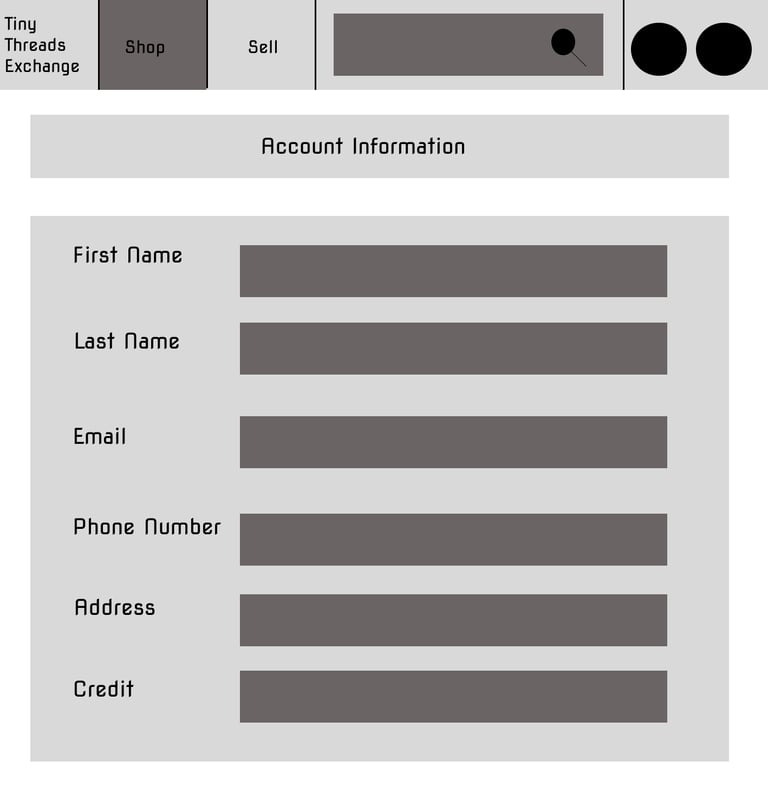
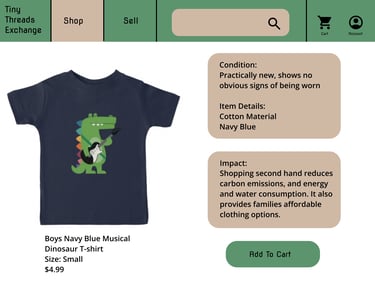
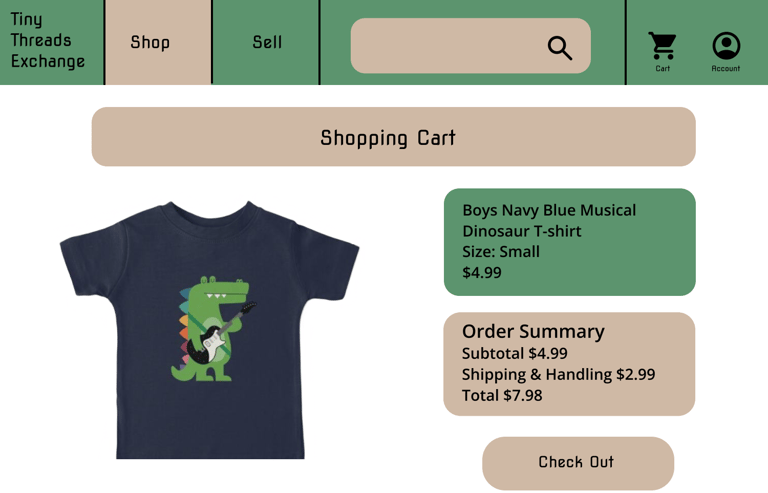
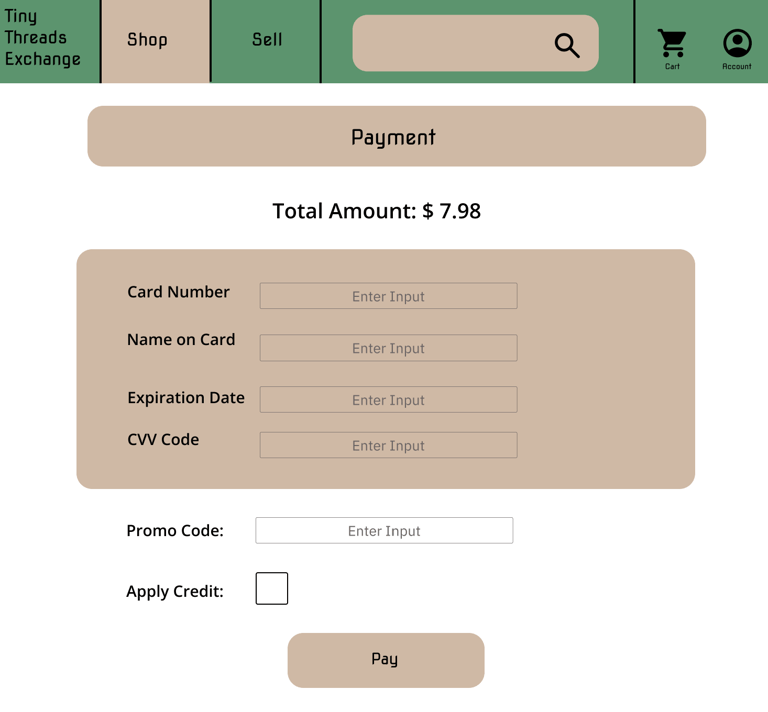
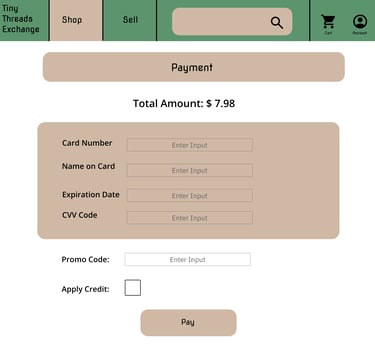
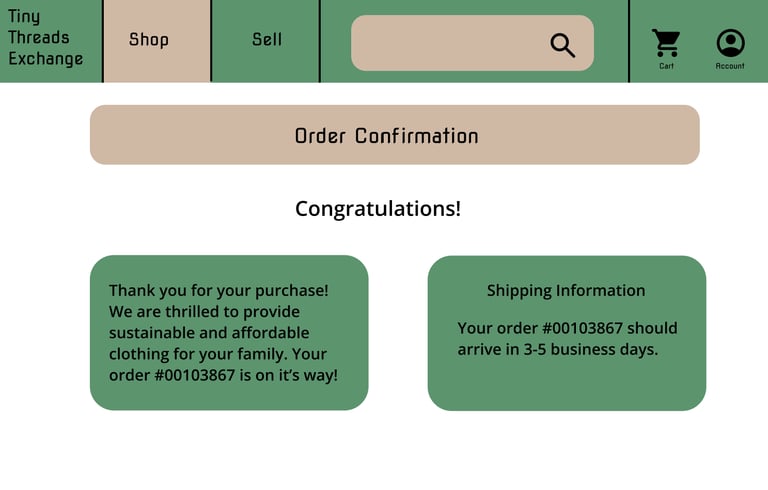
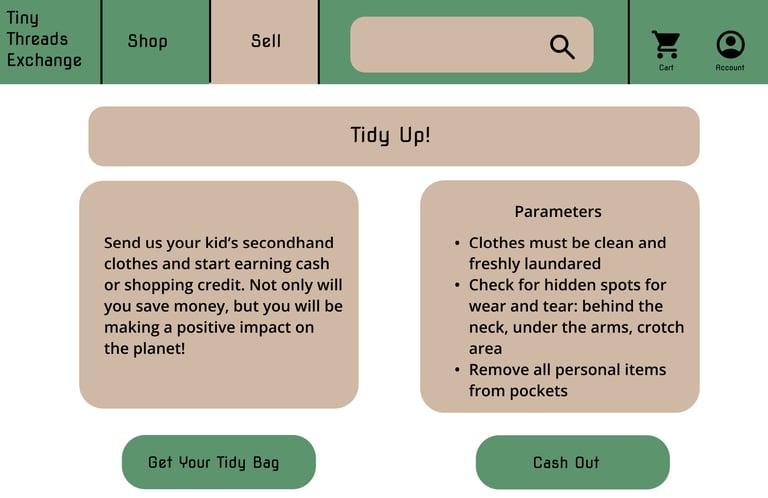
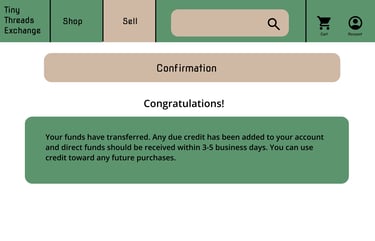
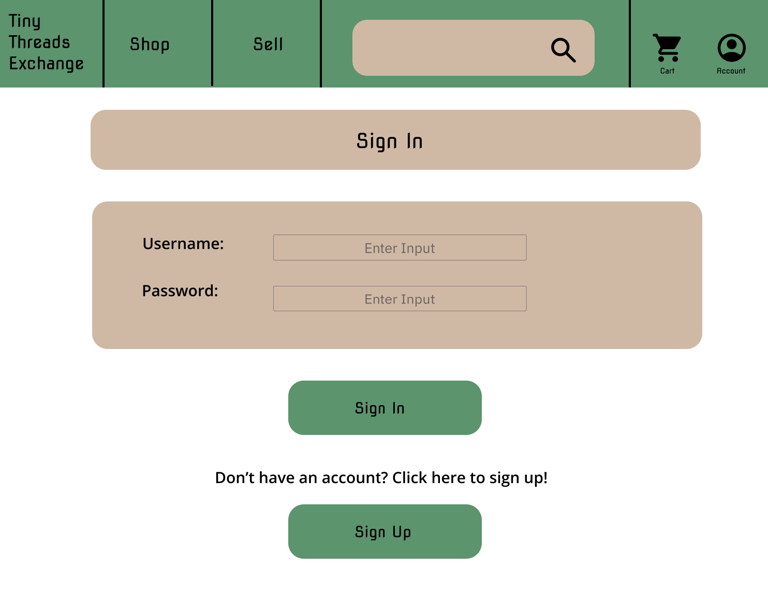
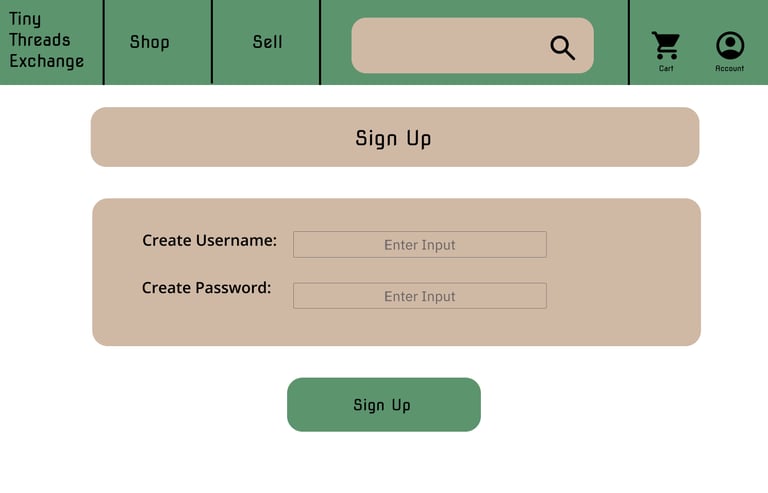
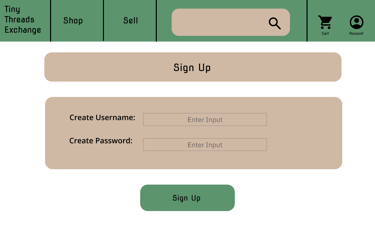
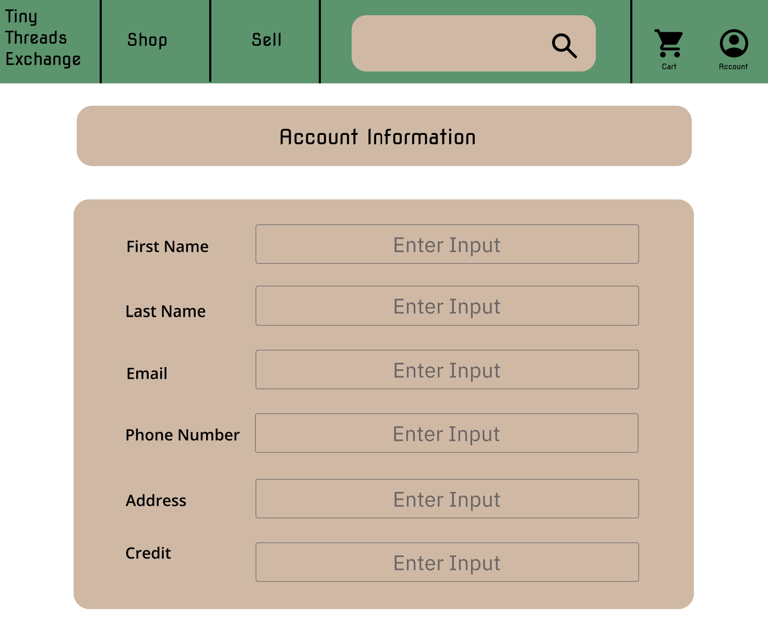
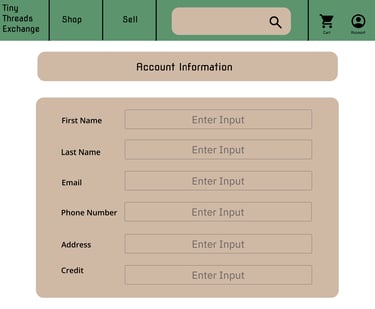
Desktop Website Wireframes
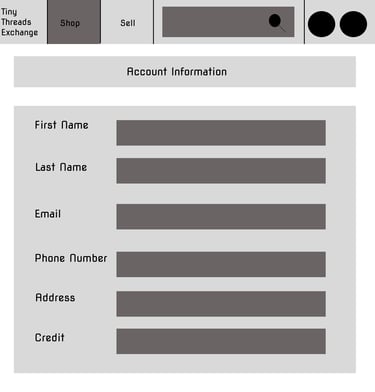
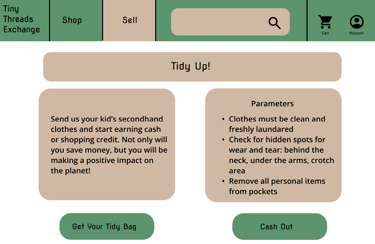
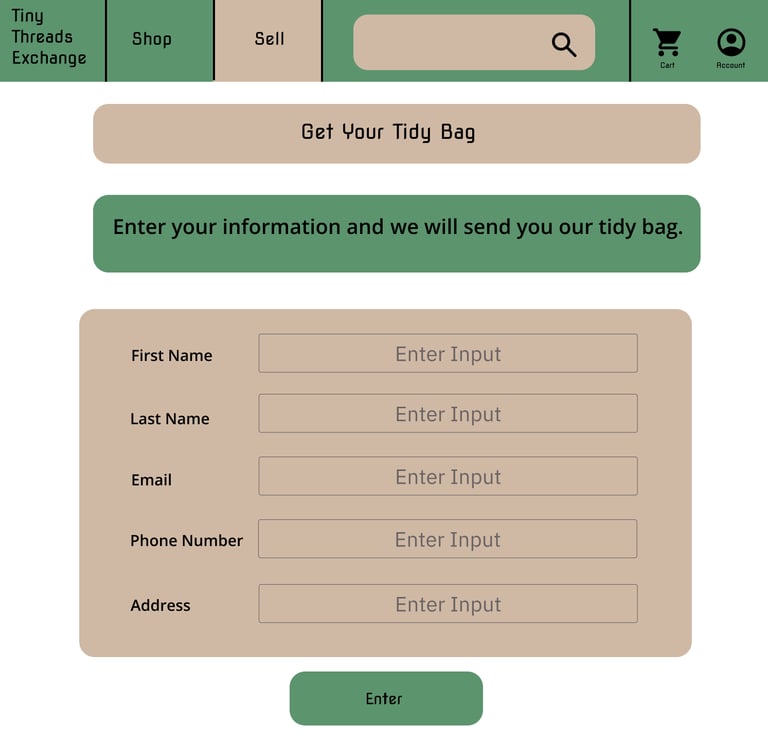
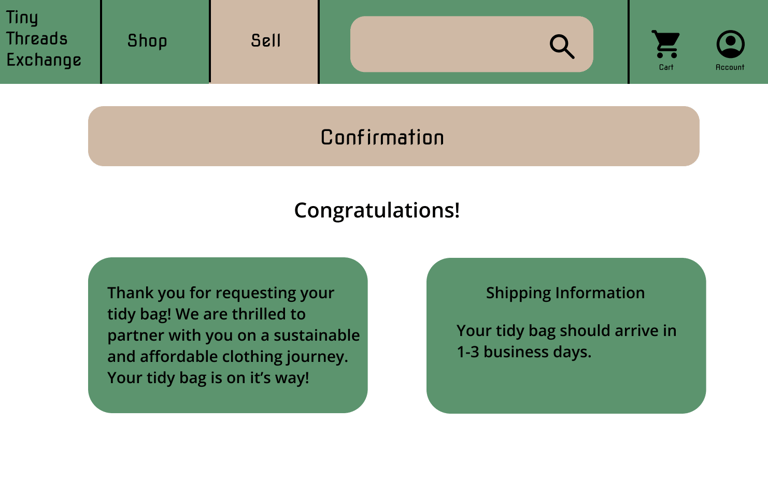
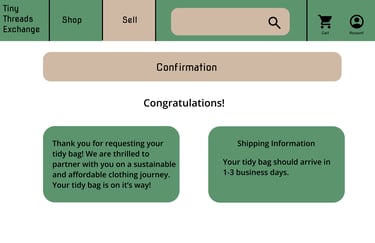
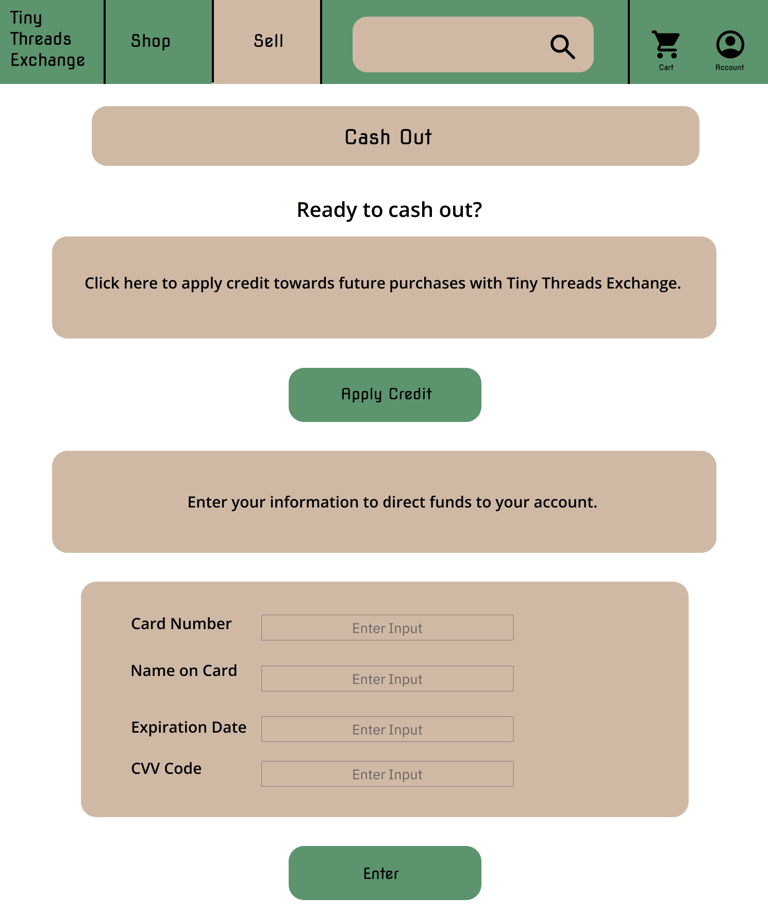
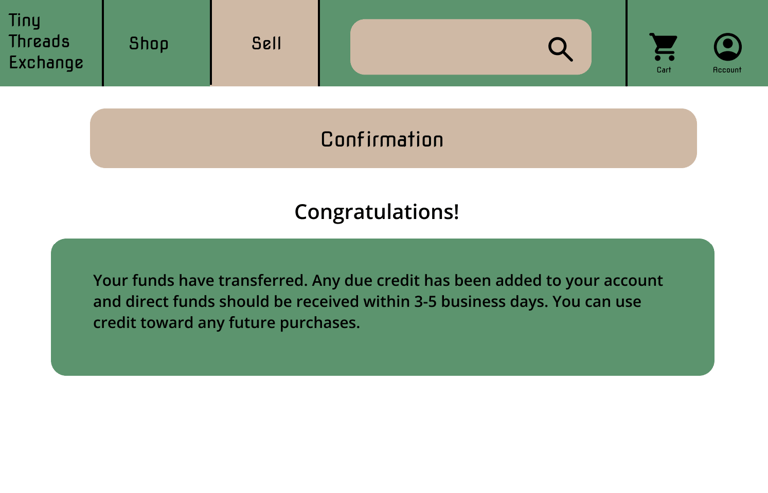
Desktop Mobile Mockups
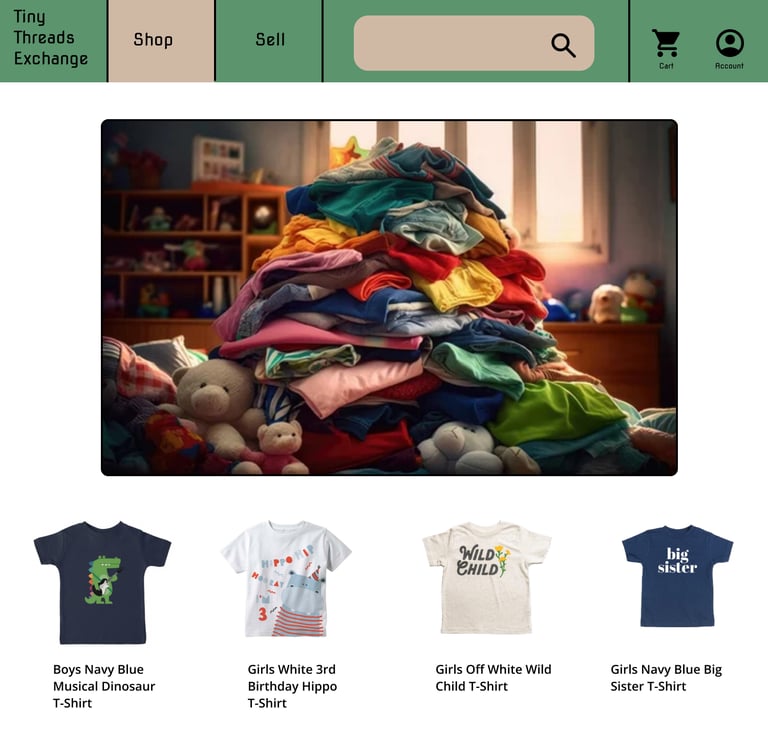
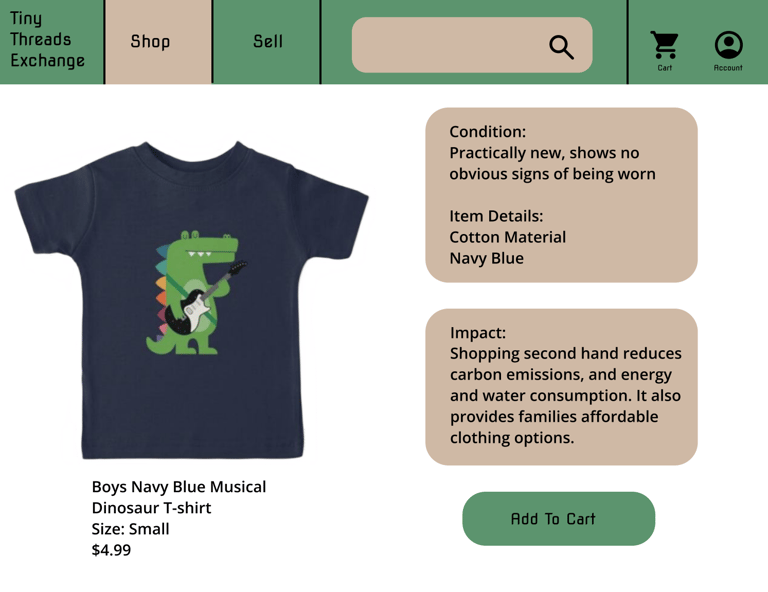
Interactive Mobile App Prototype
Interactive Mobile Website Prototype
Interactive Desktop Website Prototype
Key Takeaways